10
10. Menu
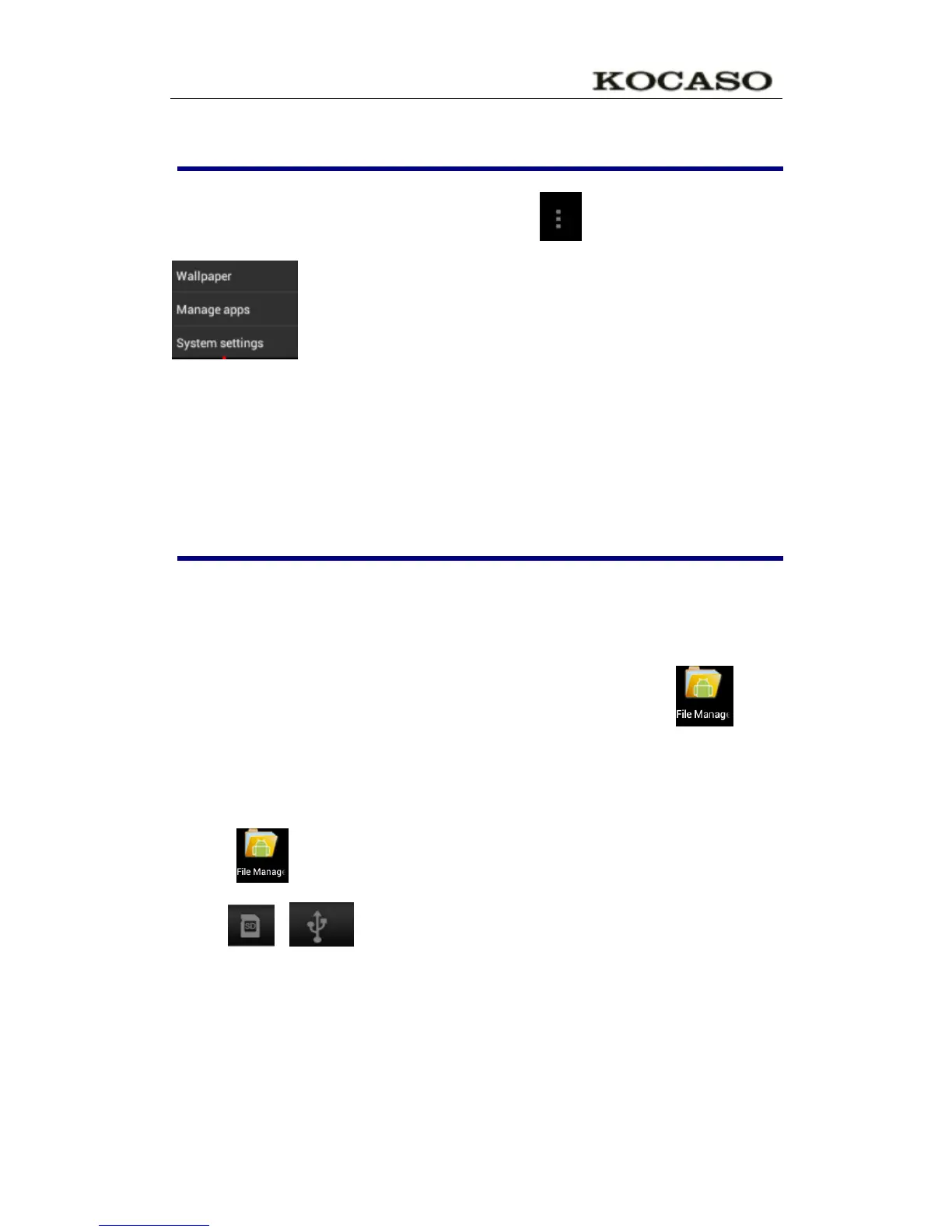
On the desktop, use the menu button to display the menu
Function, at the same time can realize commonly used procedures
setting in the desktop .The way of setting are pressing the procedures
logo to desktop.
11. Application program
Install applications
A lot of Free and interesting Applications are available on internet, you
just need search by” Android applications” key words.
The Android Applications you downloaded are saved in , you
can install it easily:
1. Copy the apk application to SD or USB device →Put the SD card into Tablet or
connect USB device with Tablet.
2. Click .files browser logo.
3. Click or find the file with apk.
4. Click the APK application → Install.
After install successfully, the new application icon will show in Menu.
5. Click icon to run application or finish to return browser interface.
Download applications from Internet
User could download any Android application from internet and install


 To Next Page