21
2. Click the video you want to view.
3. Click the screen to video related regulation (include volume,
stop/play and brightness etc.).
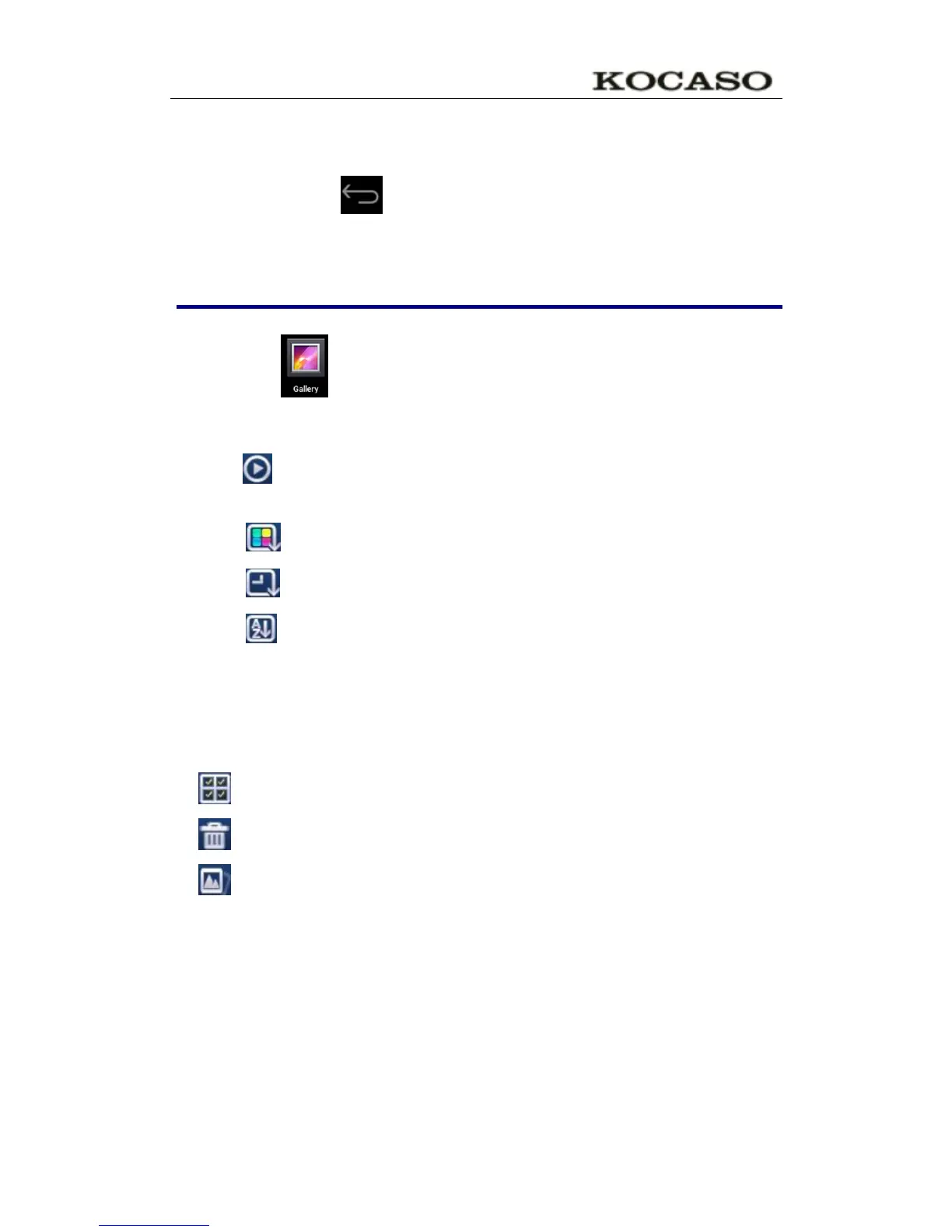
4. Press return key to back the vedio player interface.
23. Photo gallery
JPEG、BMP、GIF、PNG
1. Click the photo gallery program icon, enter the Gallery.
2. Choose photos groups to browse.
3. Press return key to back the photo gallery interface.
4. Click to slideshow .slideshow mode: normal play ,classical,
Passion. Romantic and fun
5. Click to sort color for pictures
6. Click to sort time for pictures
7. Click to sort name for pictures
Delete pictures and Dynamic switching wallpaper
Settings
1. Multiple choose
2. Delete
3. Dynamic switching wallpaper Settings


 To Next Page