12
12. Sound record
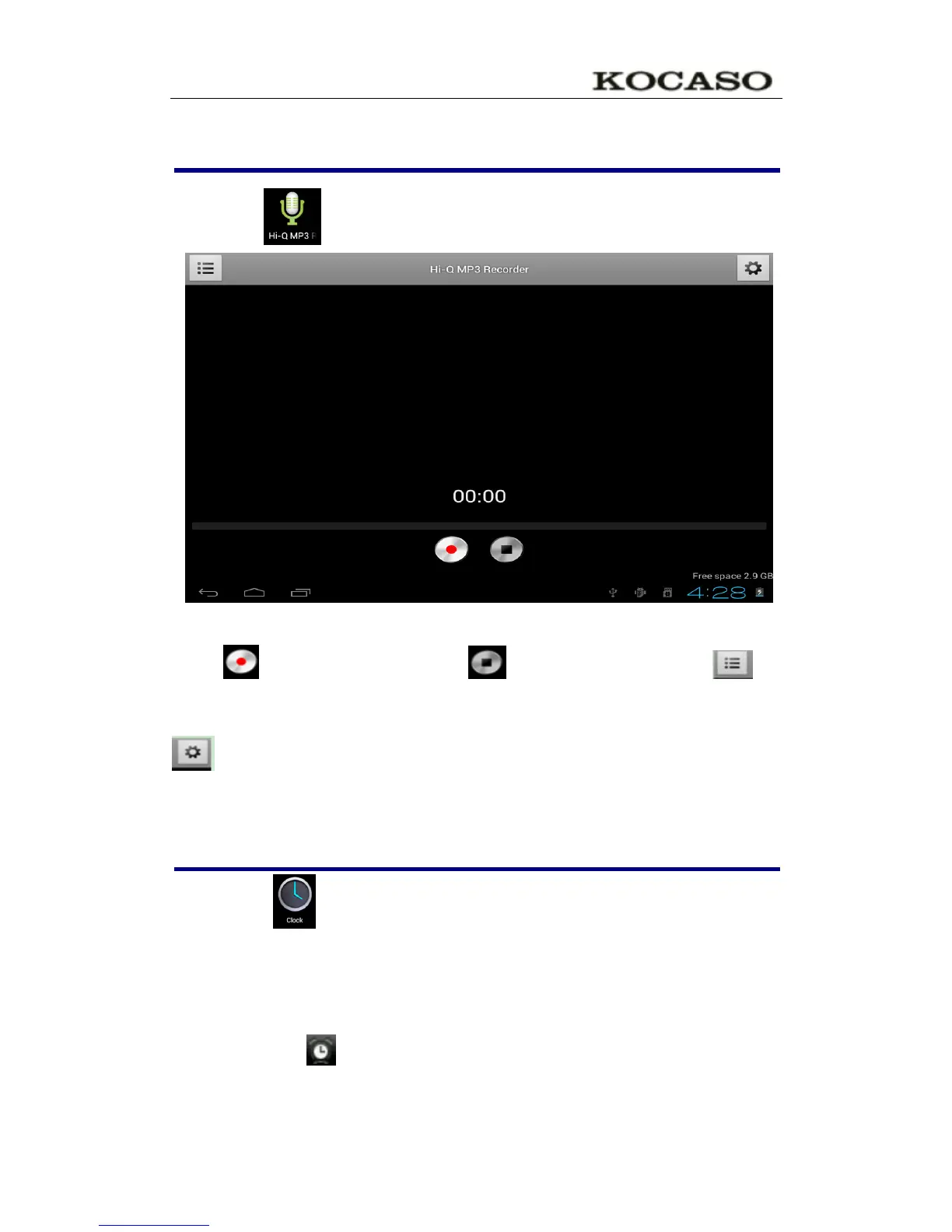
Click icon will display as below:
Click start to record, click to stop record, click to
view the record document and the documents will named according to
the time you record. Click the record document to play record, click
to set the record you made.
13. Clock
☆Click icon , User can check current Date and time.
Alarm clock
A few different alarm clock can exist in same Tablet.
When the icon show in top of Screen, it means at least one alarm
clock is working.


 To Next Page