A-63055 December 1999 27
Click on the
Status
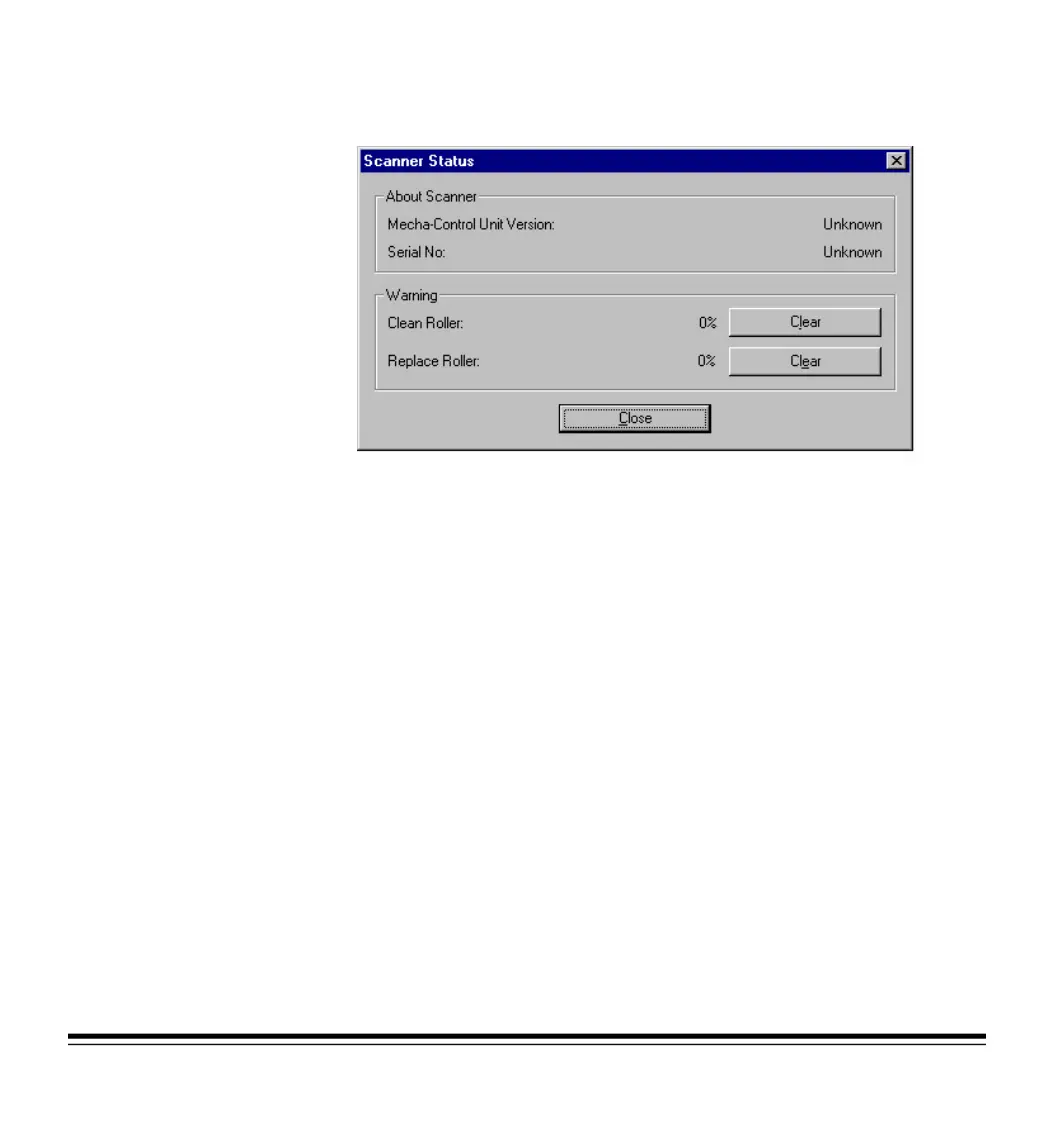
button to access the Scanner Status dialog box to
view roller cleaning and replacement guidelines.
Refer to the scanner’s User’s Guide for detailed information about
cleaning and replacing the rollers. When you have cleaned or replaced
the rollers, click on the
Clear
button to reset the roller status.







 To Next Page