8 www.kodak.com/go/support
Printing from a Bluetooth® wireless technology device
To print from a Bluetooth technology enabled phone or camera:
NOTE: Instructions may vary depending on your device. See your device user’s guide for details.
1 Select pictures to print.
2 Select an option to send, copy, beam, or print.
3 Select Bluetooth, if prompted.
4 Search and select KPP350-####.
Available Bluetooth technology wireless devices appear on your device, then
the Bluetooth light blinks to confirm the image is being received by the printer.
NOTE: If your device requires you to set authentication, enter pin number 0000 (default).
5 Follow prompts to confirm printing.
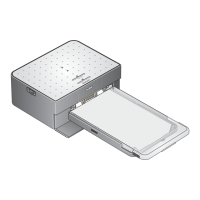
The selected images are sent to the photo printer for wireless printing. Wait until the
paper passes 4 times and the print ejects before you remove the print.
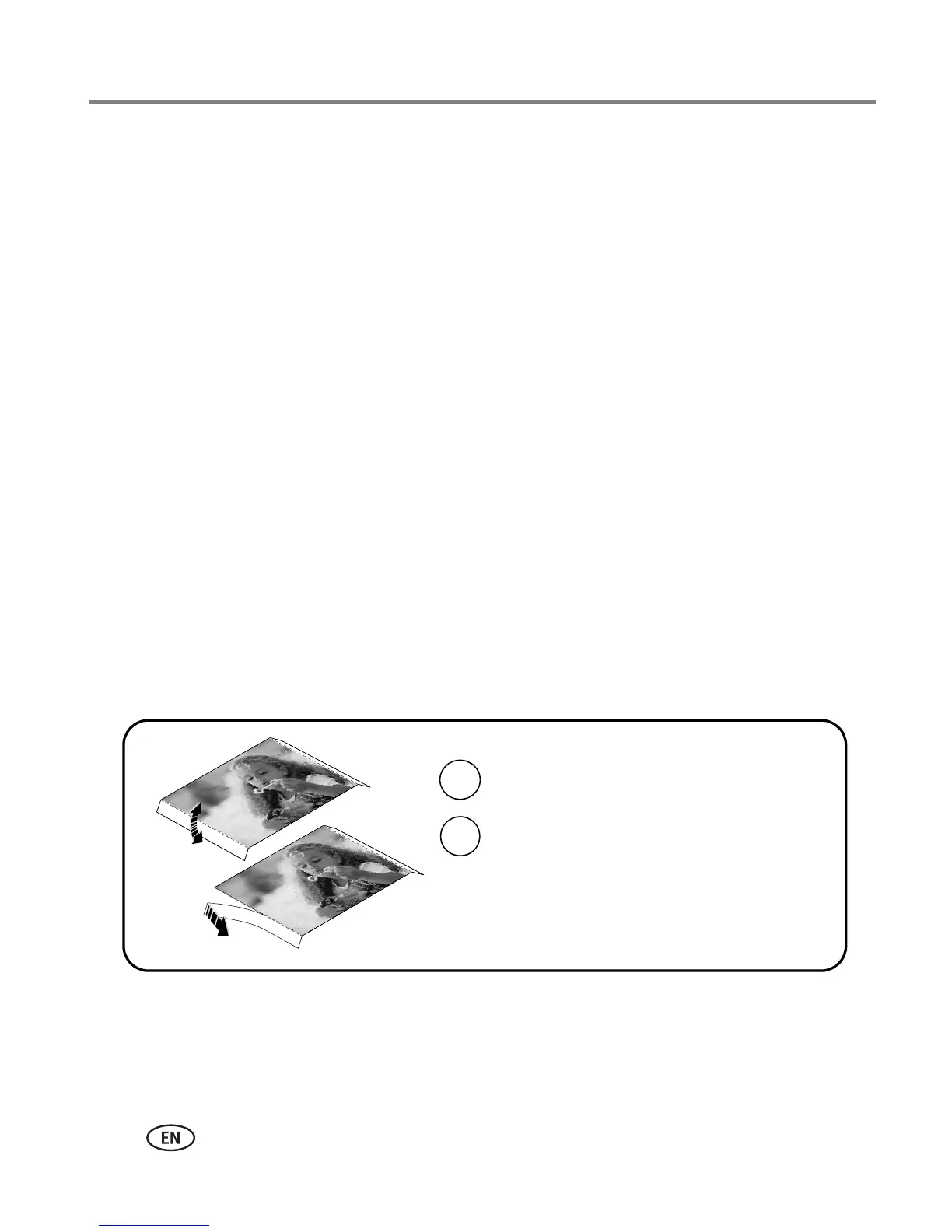
Removing the perforated tabs from the paper
IMPORTANT:
Remove perforated tabs only after printing. Paper missing perforated tabs
will not feed properly.
2
1
Remove each tab and discard.
Fold the tabs up, then down.




 To Next Page