Care and maintenance
www.kodak.com/go/support
19
Cleaning the paper-feed roller
To prevent misfeeds and to make sure your pictures look their best, we recommend
that you keep the paper-feed roller clean. Inspect the roller weekly for debris particles,
and clean if necessary.
IMPORTANT:
Unplug the power before cleaning the roller.
1 Unplug the AC power cord from the power outlet.
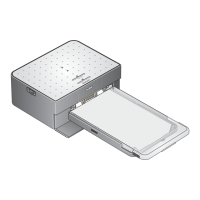
2 Remove the paper tray from the photo printer, and leave the paper-tray door open.
3 Lightly moisten a lint-free cloth with water.
IMPORTANT:
Do not use cotton or cotton swabs to clean the paper-feed roller.
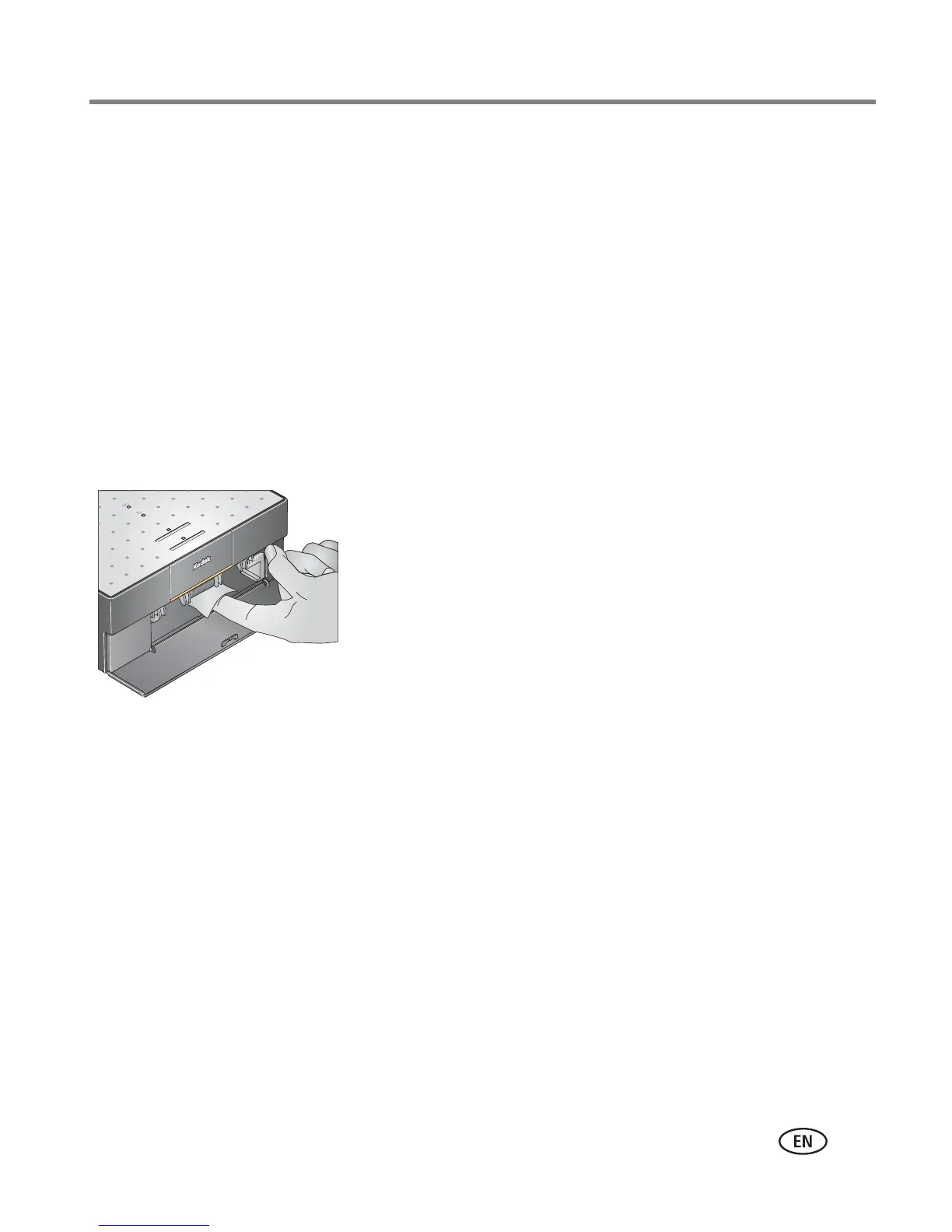
4 Use the moistened cloth to gently wipe clean the
surface of the roller. Advance the roller with your
thumb and continue cleaning.
5 Allow the roller to fully dry before reconnecting the
power.




 To Next Page