10 www.kodak.com/go/support
Printing from a Bluetooth® wireless technology device
Turning the Bluetooth wireless technology off
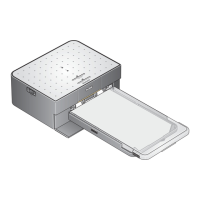
In communicable areas (such as an apartment), you may want to turn off the photo
printer’s Bluetooth wireless technology. This will prevent unwanted prints from being
printed and will prevent media waste.
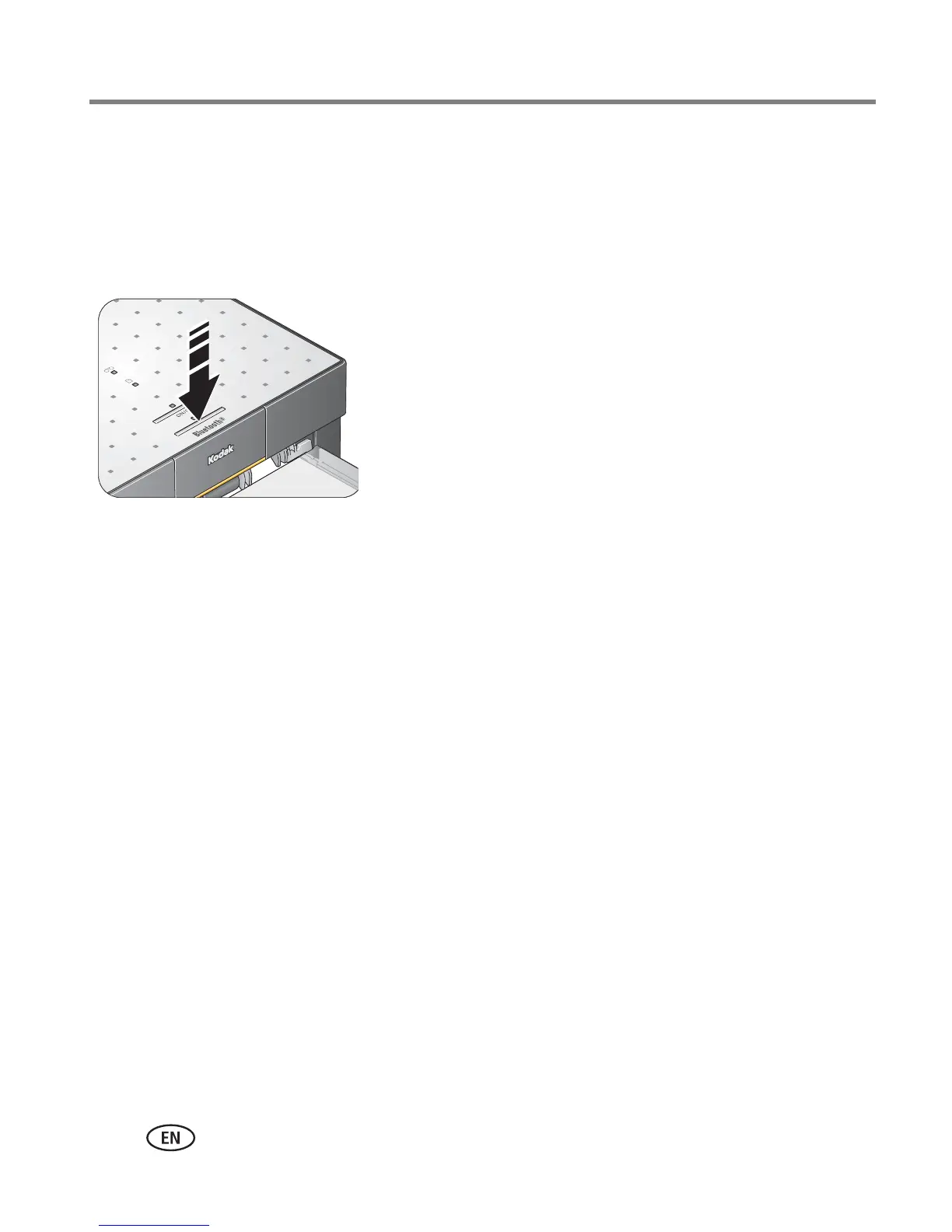
To turn the Bluetooth wireless technology off:
■ Press the Bluetooth button. Press again to turn it
on.
To turn the default to always off:
■ Press and hold the Bluetooth button for 5 seconds.
Repeat to turn the default to always on.





 To Next Page