24 www.kodak.com/go/support
Troubleshooting
Printing stops
during mid-print
(paper stops
feeding and
Paper light
and/or On/Off
light may blink)
IMPORTANT:
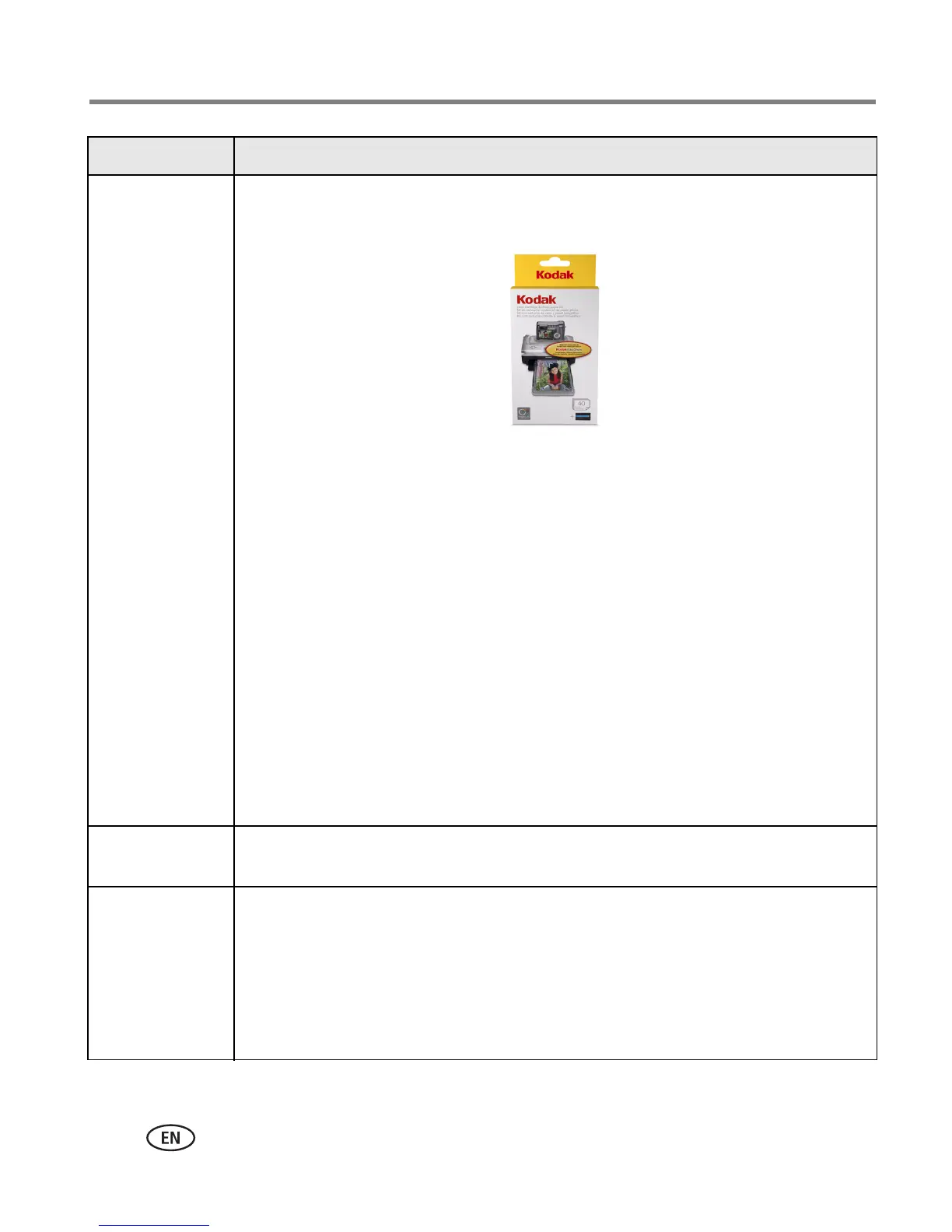
Use only the PH series Kodak color cartridge & photo paper kit
for your photo printer. Do not use inkjet paper.
■ Check paper:
1 Remove Paper tray (page 6).
2 Check paper slot on back of photo printer.
3 Remove loose paper from photo printer. For paper jam, see page 23.
4 Inspect paper supply: make sure removable tabs are not detached
from paper. Reload with new paper.
5 Carefully "fan" paper to keep sheets from sticking together.
6 Re-fill tray. Do not exceed fill line.
7 Re-load Paper tray, then press On/Off button to resume printing.
■ Clean Paper-feed roller (page 19).
Print smudged
■ Fingerprints may be on glossy side of paper. Handle paper by edges or by
removable tabs.
Print spotted
■ Check for dirty paper; wipe paper gently with dry, lint-free cloth to
remove dirt. For excessive dirt or debris, thoroughly clean Paper tray and
load new paper (page 5). Check and clean Paper-feed roller (page 19).
NOTE:
Keep paper in the original protective wrap and remove and close the Paper tray and
Paper-tray door to keep dust and debris from collecting on the paper or inside the photo
printer (
page 2
).
Status Possible solution




 To Next Page