24 www.kodak.com/go/support
Doing more with your camera
Changing picture-taking settings
You can change settings to get the best results from your camera:
1 In any mode, press the Menu button.
2 Press to highlight the setting you wish to change, then press the OK button.
3 Choose an option, then press the OK button.
4 Press the Menu button to exit.
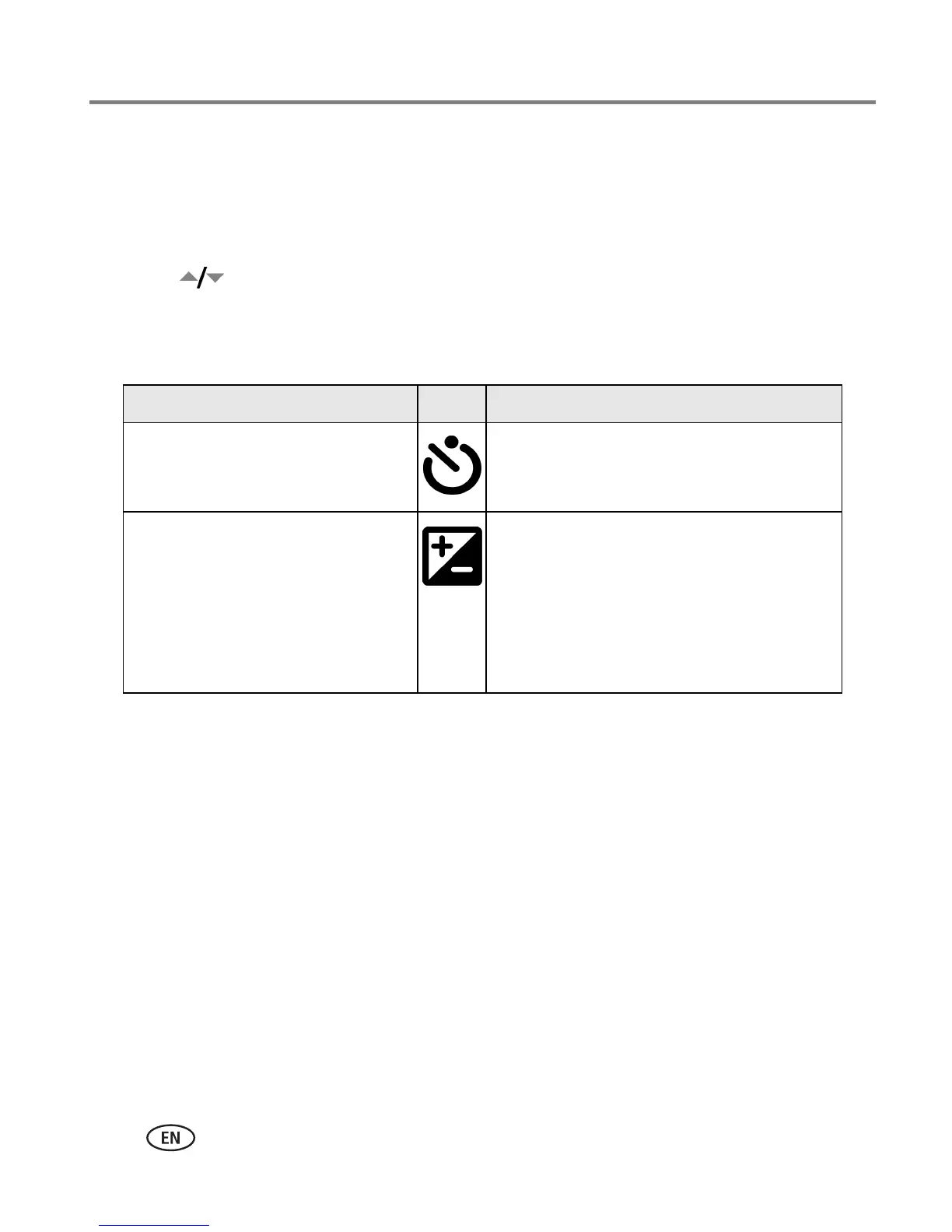
Setting Icon Options
Self-timer
Put yourself in the picture or video.
See page 19.
Exposure Compensation
(Still modes)
Choose how much light enters the
camera.
This setting remains until you turn
the Mode dial.
If pictures are too dark, increase the value.
If pictures are too light, decrease the
value.







 To Next Page