Taking pictures/videos
www.kodak.com/go/support
5
Reviewing the picture/video just taken
After you take a picture/video, the LCD displays a quickview for approximately 5
seconds. (To exit the quickview sooner, press the Shutter button halfway.)
To review pictures/videos anytime, see page 12.
Using the optical and digital zoom
1 Use the LCD to frame your subject.
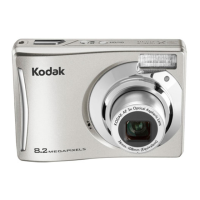
2 To zoom in, press Telephoto (T).
To zoom out, press Wide Angle (W).
3 Take the picture or video.
NOTE: For focus distances, see Camera Specifications starting on
page 43.
Using digital zoom
Use digital zoom to get up to 5X magnification beyond optical zoom. Press Telephoto
(T) until the slider is at the end of the optical zoom range. Release Telephoto (T), then
press it again.
NOTE: You may notice decreased image quality when using digital zoom. The slider pauses and turns red
when the picture quality reaches the limit for an acceptable 4 x 6-in. (10 x 15 cm) print.
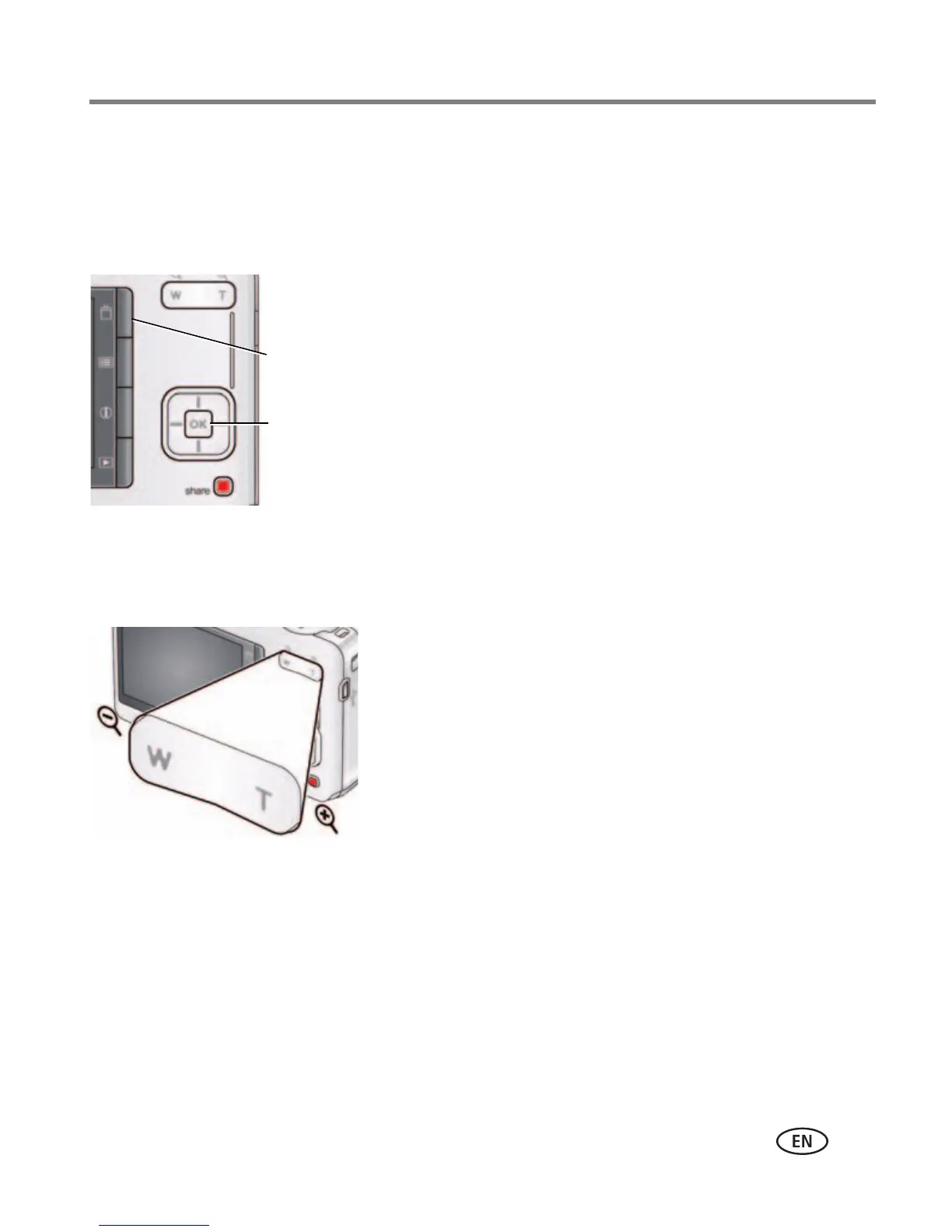
Delete the current picture/video
OK Play/pause a video









 To Next Page