
 To Next Page
R
Rebecca ToddSep 5, 2025
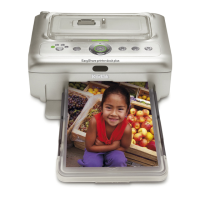
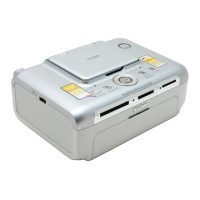
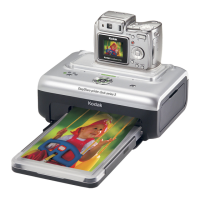
What to do if nothing happens when trying to transfer pictures to the computer from Kodak EasyShare 3?
- CCathy BarnesSep 5, 2025
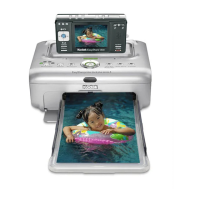
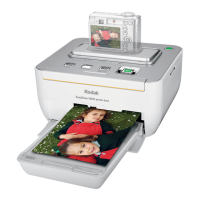
If nothing happens when you try to transfer pictures to the computer from your Kodak Docking Station, press the Transfer button on the printer dock. Check the power and USB connections from the printer dock to the computer. If transferring from a docked camera, disconnect the optional USB card reader first. Ensure the camera is properly seated on the connector. If transferring from a compatible Kodak card reader and a camera is docked, remove it. Check the USB connections between the printer dock and the card reader or device. Close unnecessary software applications, and minimize remaining application windows. Disconnect then reconnect the USB cable from the printer dock to the computer. Make sure Kodak EasyShare software is installed.
 General