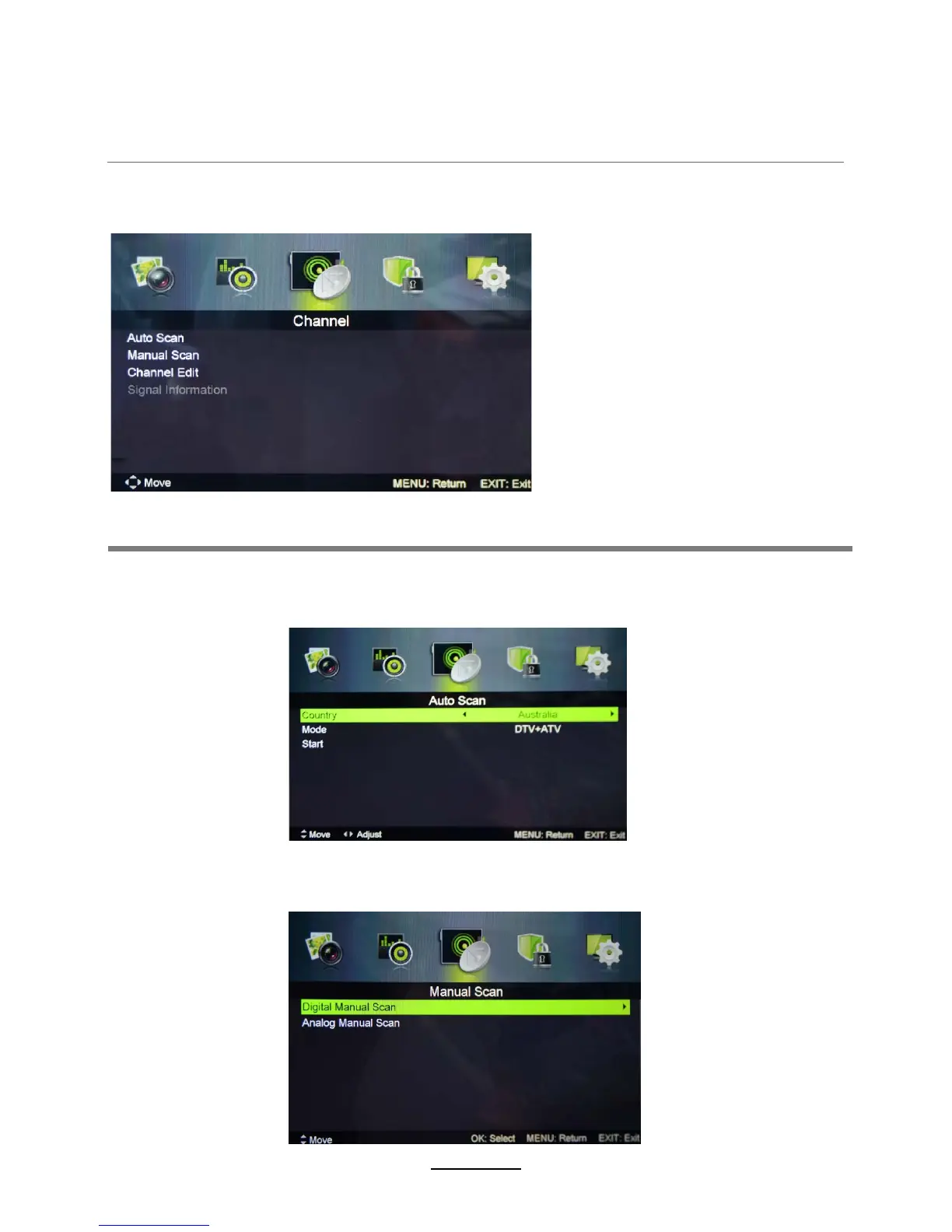
Auto Search: Enter the Auto Scan menu to start auto scan.
Note:It will search analog channels first, then digital channels.
Before executing auto channel search, please confirm if your antenna type is Air or Cable.
Digital Manual Scan: Press the "OK" button to enter the Digital Manual
Scan menu.
Analog Manual Scan:Press the OK button to enter the Analog Manual
Scan menu.
3. Channel menu
OSD Menu
Description
10















 To Next Page