24
Smart TV
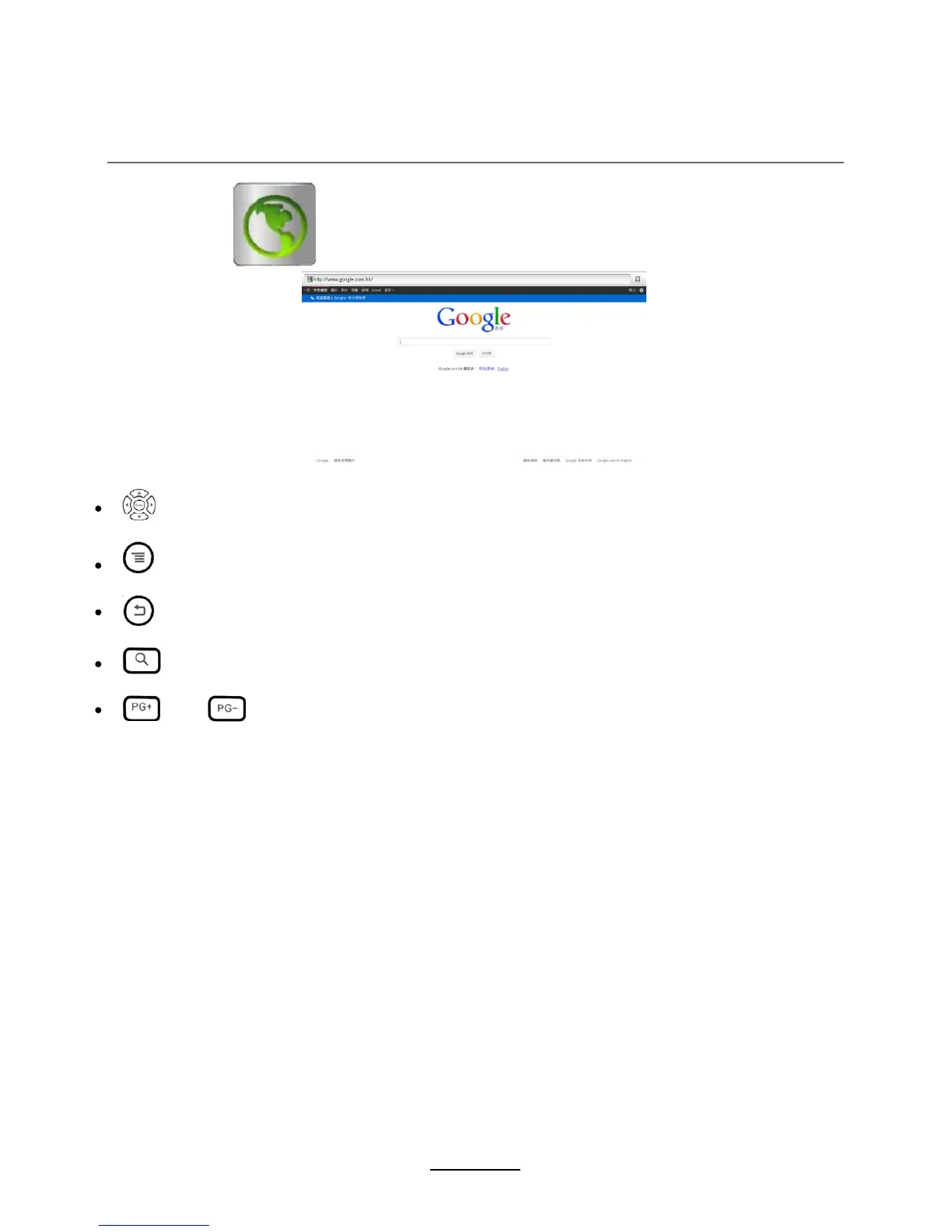
BROWSER
You will use the following key:
Arrow buttons:
Select and confirm to choose or enter
Menu Key:
Call out the Browser’s menu, include forward, edit bookmark, refresh etc.
Back key:
Back to the last page
Search key :
Call out the search bar for searching or input new web address.
PG +/ PG-:
You can use the keys to browse up/ down the web page.















 To Next Page