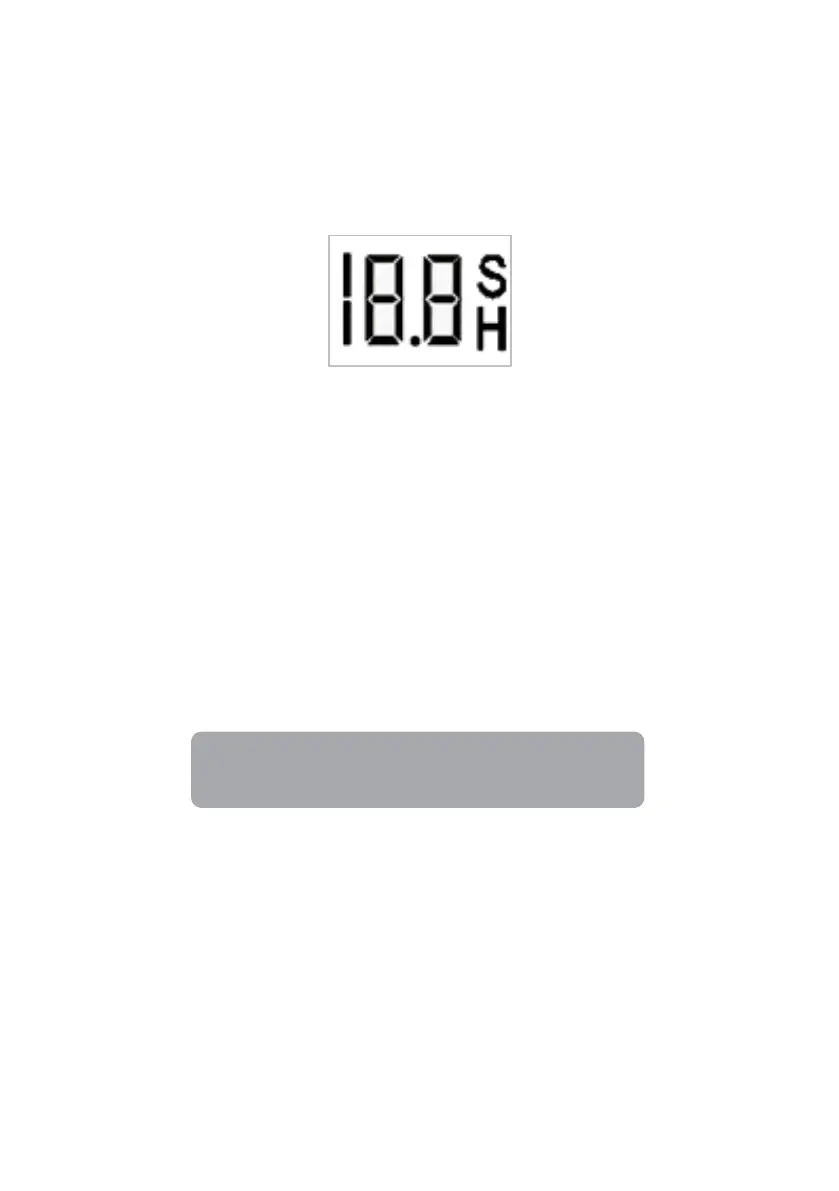
Activating the timer
• If the appliance is running, you may set up a timer for the appliance to stop operating
after a certain time.
• If the appliance is on standby, you may set up a timer for the appliance to start
running after a certain time.
• The default time is 1 hour. Press the timer button to activate the timer.
Cancelling the timer
Press the timer button to cancel the timer. The time and ‘H’ on the timer indicator will
disappear.
Adjusting the time set on the timer
1. Ensure the timer has not been activated. Press the timer button.
2. Press the select button to increase the timer by 30-minute increments. Pressing the
select button repeatedly will result in larger time increment increases.
During this adjustment, the ‘H’ on the timer indicator will be flashing. Once the
desired time has been set, wait for 5 seconds to allow the appliance to save the
desired time. The ‘H’ on the timer indicator will then turn solid. After this, the timer
will be activated.
The timer can be set from 30 minutes up to 19 hours.


 To Next Page