14-3
Program operating mode
The Compare function
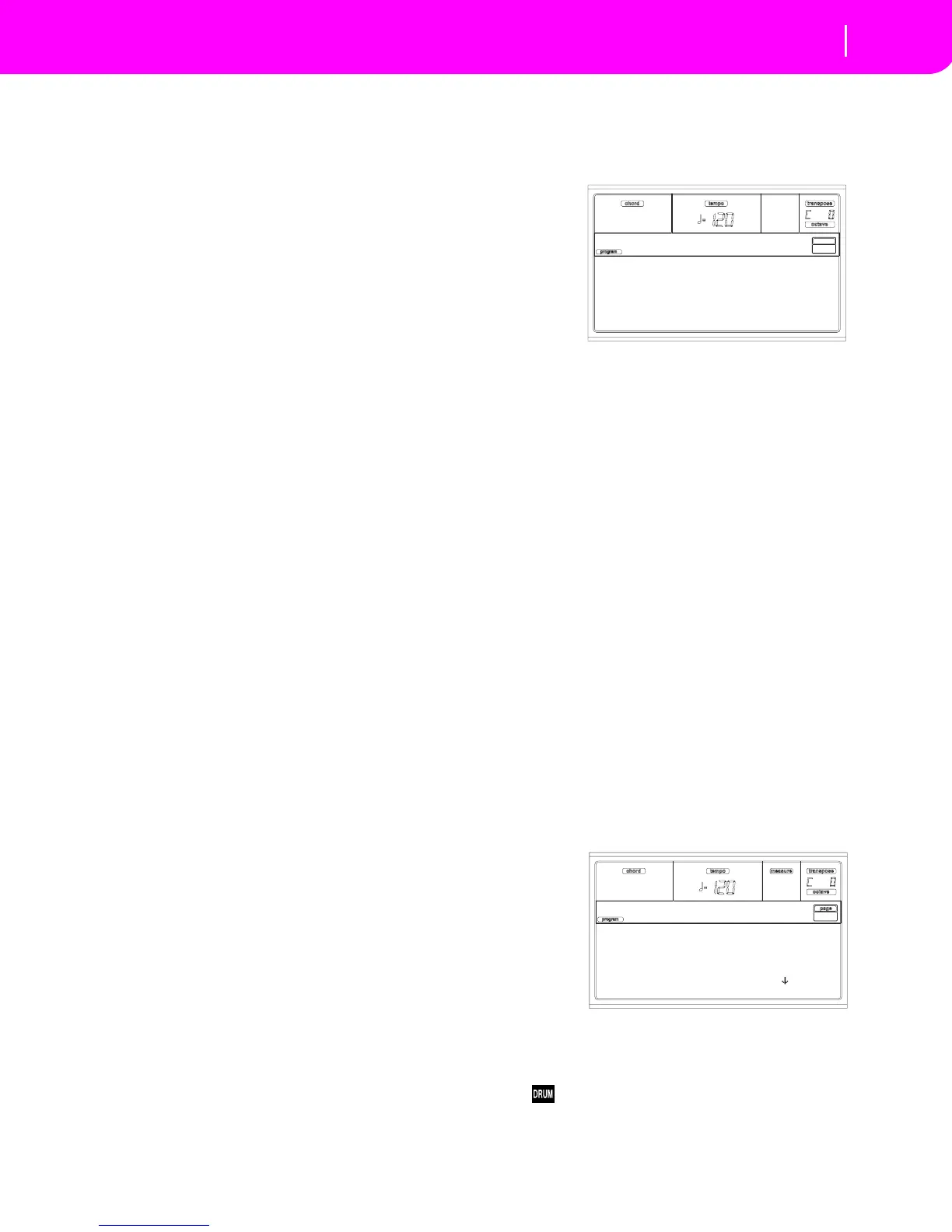
Oscillator in edit
When in an edit page, where selecting an oscillator is
required, this area shows the selected oscillator. Use the F1-F4
buttons to select one of the four available oscillators.
Page number
This area shows the current page number.
Parameters
Select an edit parameter using the A-D VOLUME/VALUE
buttons. You can scroll the parameter list using the E-F
(Scroll Up) and G-H (Scroll Down) VOLUME/VALUE but-
tons.
Parameter value
Use the A-D VOLUME/VALUE buttons, or the TEMPO/
VALUE controls, to change the parameter value.
THE COMPARE FUNCTION
While in edit, you can compare the current Program with its
original values. You cannot edit the Program while you are in
Compare mode.
• Keep the SHIFT button pressed, and press ENTER to
enter the Compare function. The PROGRAM LED
begins flashing. Play on the keyboard to listen to the
original Program.
• Press SHITF + ENTER again to exit the Compare mode
and return to the edited Program.
HOW TO SELECT OSCILLATORS
While in an edit page, requiring an oscillator to be selected
for editing, use the F1-F4 buttons to select one of the avail-
able oscillators.
ERASE PROGRAM/OSCILLATOR
You can initialize any parameter value, by using one of the
following shortcuts:
• While in the Basic page, keep the SHIFT button pressed,
and press the DELETE button to initialize the whole
Program to a default status.
• While in an edit page where the “Osc” abbreviation
appears in the upper right area of the display, keep the
SHIFT button pressed, and press the DELETE button to
initialize the currently selected oscillator to a default sta-
tus
After you select the shortcut, the “Init osc?” message appears.
Press ENTER to confirm, EXIT to abort.
THE ‘WRITE’ WINDOW
This page appears when you press the WRITE button. Here
you can save the Program into a User Program location in
memory.
1. Select a name and a location, then press ENTER to save
the Program.
2. The “Are you sure?” message appears. Press ENTER to
confirm, or EXIT to abort.
Warning: If you overwrite an existing User Program, the
Program will be deleted and replaced by the one you are
saving (“overwrite”). Please save any Program you don’t
want to lose on a diskette.
Name
Use this parameter to change the Program’s name. Press the
right A VOLUME/VALUE button to enter editing. Modify the
name using the UP/DOWN buttons to move the cursor, and
the DIAL to select a character. Press INSERT to insert a char-
acter at the cursor position, or DELETE to delete it
To (Location number)
Use the B VOLUME/VALUE buttons to select a different User
Program location in memory. Otherwise, select this parame-
ter and use the VOLUME/VALUE controls to select the loca-
tion.
Note: You can’t overwrite a Factory Program location.
PAGE 1 - BASIC
Here you can make basic settings for the Program, such as
basic oscillator settings, the oscillator count, and the poly-
phonic mode.
Oscillators
Use this parameter to specify the basic Program type;
whether it will use one or more oscillators (up to four).
Drum Programs use only one oscillator.
1…4 Number of oscillators the Program will use.
The total amount of polyphony varies depend-
Name: GrandPiano
To: U1-01 <empty>
WRITE to:
Oascillators: 2
Mode: Poly
Single Trigger: No
Legato: No
Basic



 To Next Page