10-7
Style Record mode
Style Record procedure
1…127 Velocity value. The event will be inserted with
this velocity value, and the actual playing
strength of the note played on the keyboard
will be ignored.
D (Duration)
Relative duration of the inserted note. The percentage is
always referred to the step value.
50% Staccato.
85% Ordinary articulation.
100% Legato.
Buttons used in Step Record mode
TIE button
Ties the note to be inserted to the previous note.
REST button
Inserts a rest.
NOTE VALUE buttons
Select the step value.
START/STOP button
Exits the Step Record mode.
< (Previous step)
Goes to the previous step, deleting the inserted step.
>> (Fast Forward)
Goes to the next measure, and fill the remaining space with
rests.
STYLE RECORD PROCEDURE
There are two different methods for recording a Style: Real-
time and Step.
• Realtime Recording allows you to record Style patterns
in realtime.
• Step Recording allows you to create a new Style by enter-
ing single notes or chords in each track. This is very use-
ful when transcribing an existing score, or when a
higher grade of detail is needed. It is particularly suitable
to create drum and percussion tracks.
Preparing to record
1. If you like to edit an existing Style, select that Style.
2. Press RECORD to enter the Style Record mode. You are
prompted to select either the Current Style, or a New
Style.
Select “Current Style” if you want to edit the current
Style, or create a new Style starting from an existing one.
Select “New Style” if you want to start from scratch with
an empty Style.
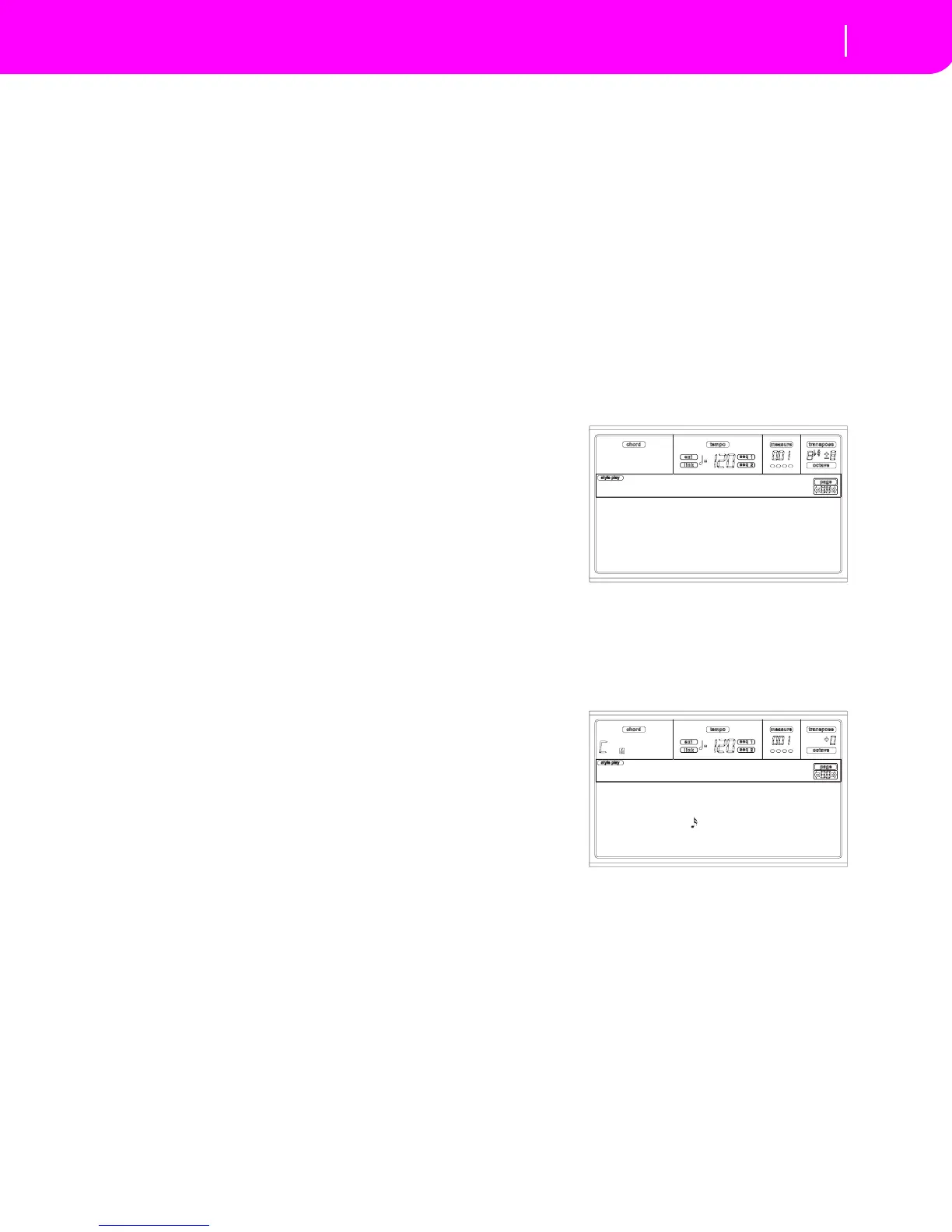
3. After you select your preferred option, the Main page of
the Style Record mode will appear.
4. Use the A VOLUME/VALUE buttons, and the F1 and F2
function keys to select the E (Style Element) and CV
(Chord Variation) parameter.
Note: For more information on the Style Elements and
Chord Variations, and the Style structure in general, see
“The Style’s structure” on page 10-1.
5. Use the RL (Recording Length) parameter to set the
length (in measures) of the pattern to step-record. Select
this parameter using the E VOLUME/VALUE buttons
and the F4 function key. Use the TEMPO/VALUE con-
trols to set the value.
6. Use the Meter parameter to set the Style’s meter. You can
edit this parameter only if you selected the New Style
option when entering the Record mode.
Current Style
New Style
Record
e:v1 cv:cv1 R:RT RL:2
CV Len:16 Metro:On1
Resol: Meter:4/4
C maj7 NTT:5th
NewBossa |T:DR



 To Next Page