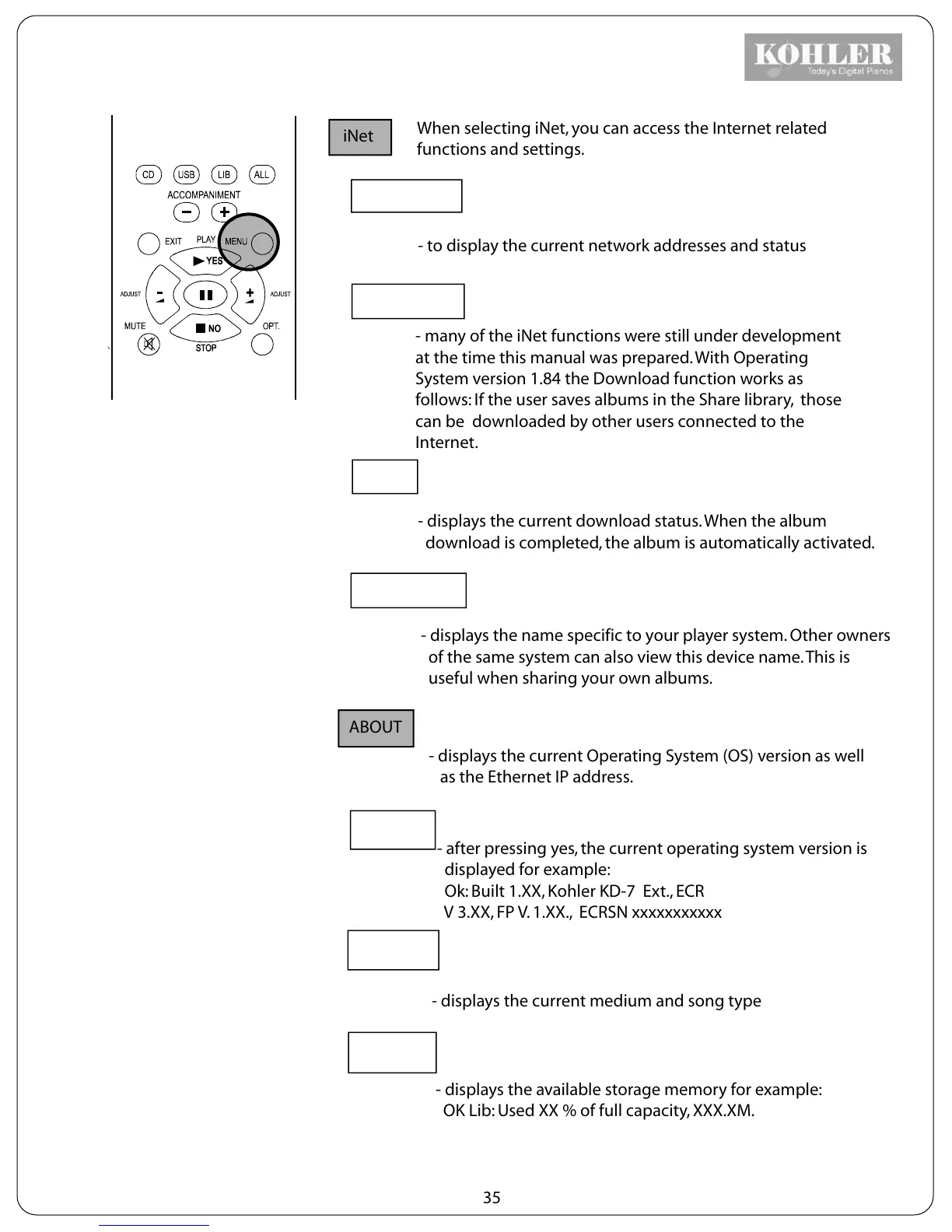
iNet
When selecting iNet, you can access the Internet related
functions and settings.
Connections
- to display the current network addresses and status
Download
- many of the iNet functions were still under development
at the time this manual was prepared. With Operating
System version 1.84 the Download function works as
follows: If the user saves albums in the Share library, those
can be downloaded by other users connected to the
Internet.
Status
- displays the current download status. When the album
download is completed, the album is automatically activated.
Device name
- displays the name specific to your player system. Other owners
of the same system can also view this device name. This is
useful when sharing your own albums.
ABOUT
- displays the current Operating System (OS) version as well
as the Ethernet IP address.
Version
- after pressing yes, the current operating system version is
displayed for example:
Ok: Built 1.XX, Kohler KD-7 Ext., ECR
V 3.XX, FP V. 1.XX., ECRSN xxxxxxxxxxx
Medium
- displays the current medium and song type
Storage
- displays the available storage memory for example:
OK Lib: Used XX % of full capacity, XXX.XM.
35



 To Next Page