Wait 3 minutes before restarting
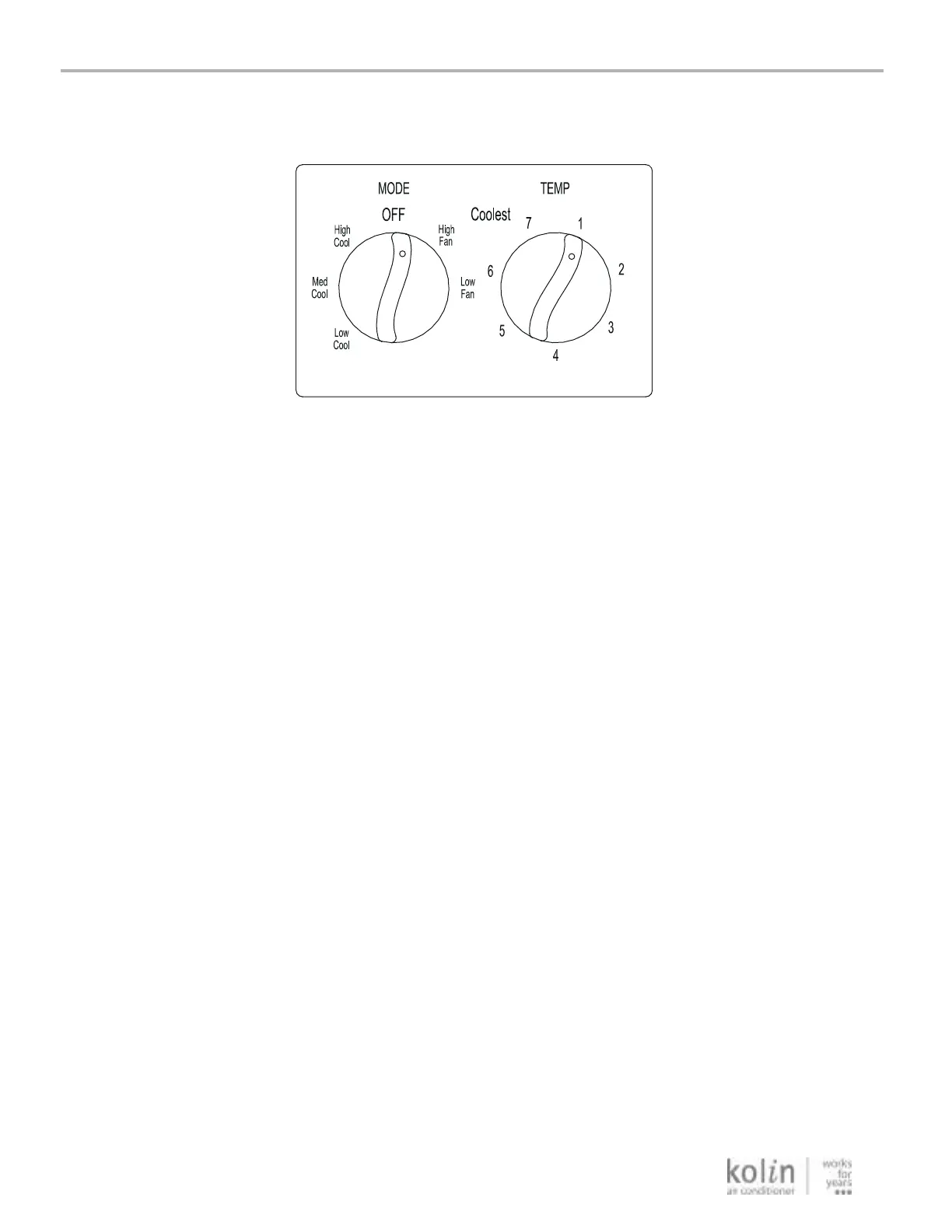
The air conditioner controls are located behind the
control panel door. Press to open and close the door.
Mode Control
provide cooling with different fan speeds.
Fan settings provide air circulation and
filtering without cooling.
NOTE: If you move the mode control from a cool
setting to OFF or to a fan setting, wait at least
3 minutes before switching back to a cool setting.
Cooling Descriptions
For Normal Cooling—Select High Coolor Med Cool
with the TEMPERATURE control at midpoint.
For Maximum Cooling—Select High Cool with the
available on your knob.
For Quieter & Nighttime Cooling—Select Low Cool
with the TEMPERATURE control at midpoint.
TEMP Control
The TEMP control is used to maintain the
room temperature. The compressor will cycle
on and off to keep the room at the same level
of comfort. When you turn the knob to a
higher number, the indoor air will become
cooler. Turn the knob to a lower number and
the indoor air will become warmer.
Controls
6
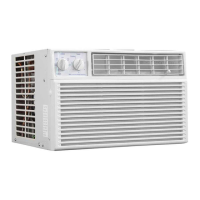
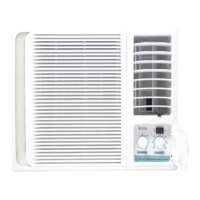
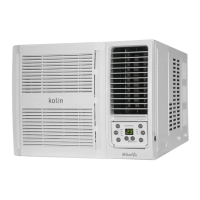
Air Conditioner Features
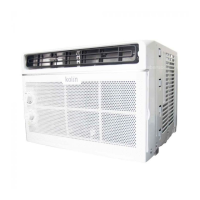
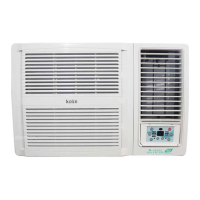
Features and appearance will vary.
TEMPERATURE control at the highest number



 To Next Page