Vers. 111219 Page 4
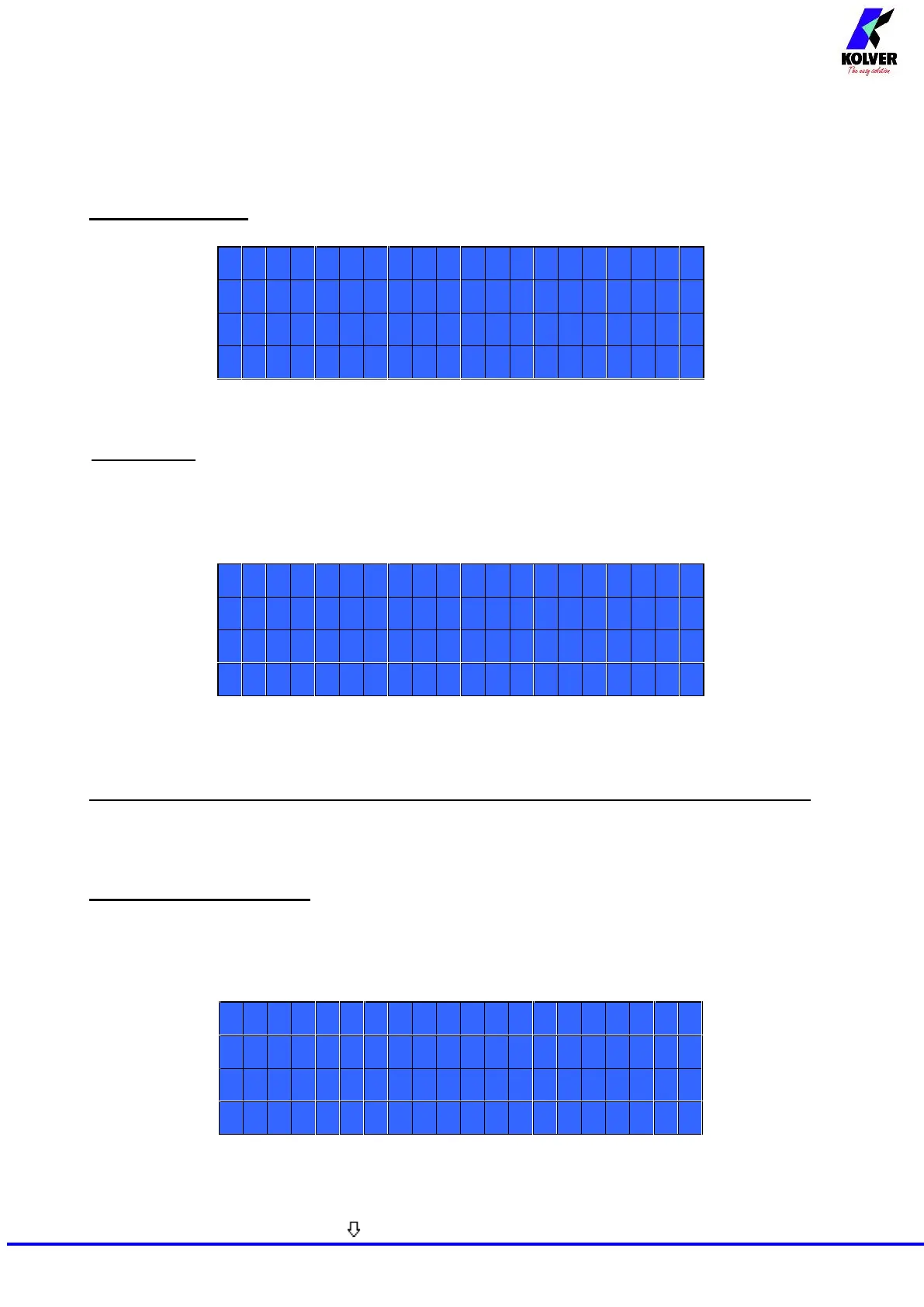
MAIN MENU:
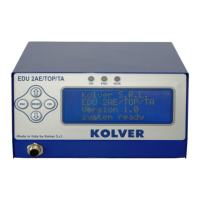
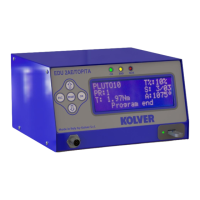
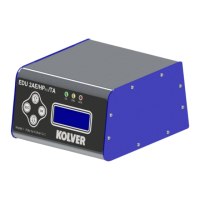
Program setting: It indicates the menu section where you can set or modify the fastening parameters.
IMPORTANT: To work with switch box, socket tray and remote it is mandatory to go to Sequence
Menu (Ext Box: ON).
Sequence: It indicates the menu section where you can activate the sequence, the switchbox/socket tray
and the bar code.
Unit Options: It indicates the menu section where you can set date and time, the password and the
language.
AVAILABLE ONLY ON EDU2AE/TOP/E and EDU 2AE/TOP/TA (from 3.0 version on)
USB Options: It indicates the menu section where you can view, upload and create programs setting
of the control unit.
PROGRAM MENU:
The first 28 menu lines are available in both the EDU 2AE/TOP, EDU 2AE/TOP/E and EDU 2AE/TOP/TA
models.
Lines from 29 to 32 are only available in the TOP/TA model.
1) Program number: you can select/ modify the desired program from 1 to 8.
2) Screws number: The EDU2AE/TOP can act as screw counter. You can set the number of screws from
1 to 99. To disable the function press until you get to OFF.


 To Next Page