Vers. 140323 rev
1: Kolver_Torque_Analyzer_ver1_0_1 software main screen
The home page is made of three sections:
1- “Control Panel”: to display results, graphics, tables, setting and info of the tester.
2- “Report”: to display values (max, min, cm, cmk, in total, in real time...etc.)
3- “Interface”: connection, modification and export of data.
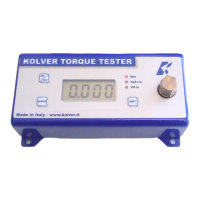
2. CONNECTION TO MINIK/S
Connect the minik/s to your pc through the usb port. Then push the Connect button.
The software will display the correct connection (see Picture 2).
Unless it will show the error and how to proceed.
2: Output of correct connection.
3. TORQUE VALUE CAPTURE
How to capture the torque values:
1- Track Mode: it allows to capture and display the trend of the torque signal given by the minik/s.
2- Max Value Mode: it allows to capture and display the max torque value given by the minik/s.


 To Next Page