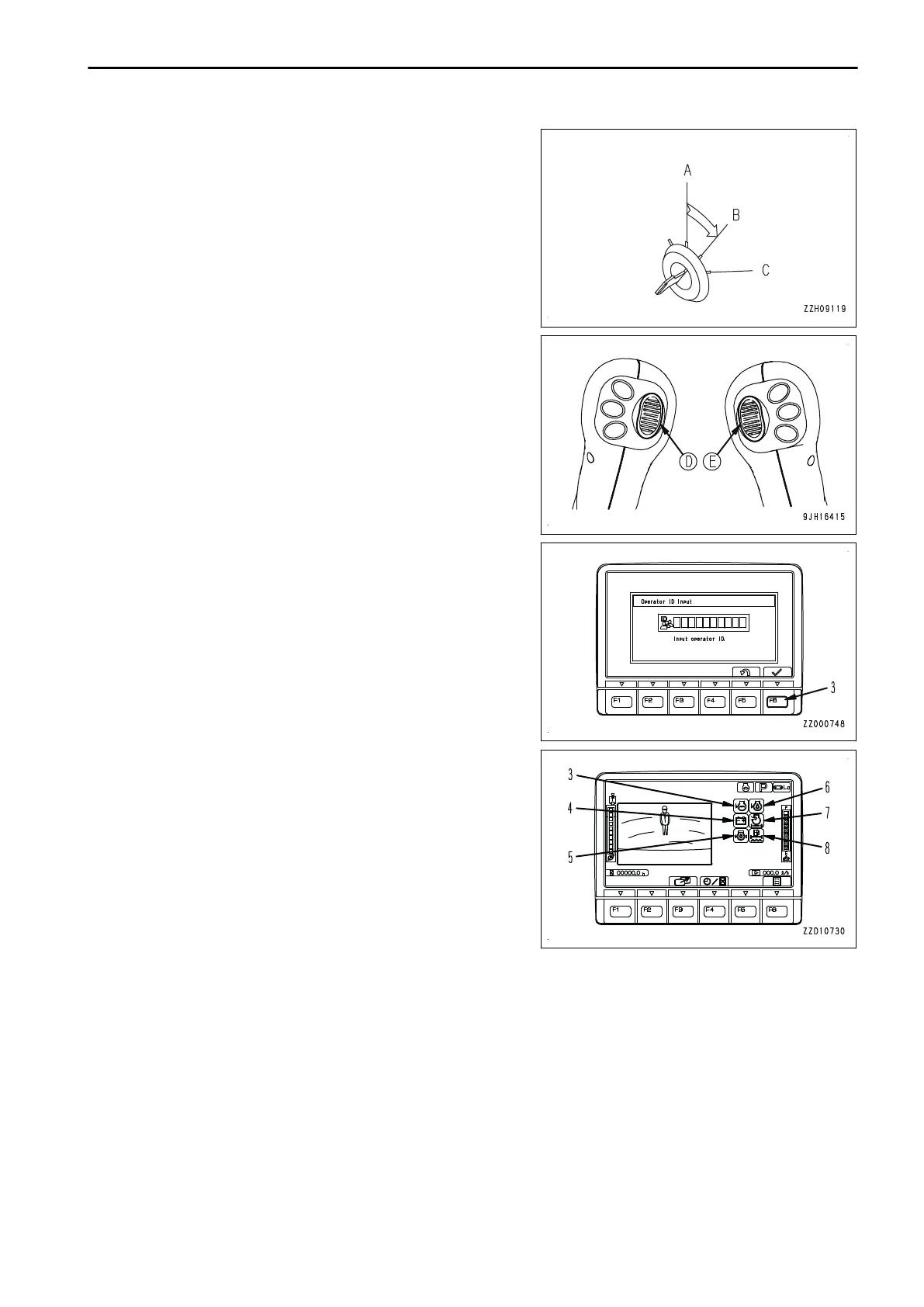
Next carry out the following checks:
5.
On the input display screen displayed on the monitor, input
the password and push input confirmation switch F6 (3).
If a password is set, the input display screen will be indi-
cated on the monitor screen.
REMARK
Contact your Komatsu distributor for details of the method
of setting, changing, or canceling the password.
6.
Perform the following inspection on the machine monitor.
1)
The buzzer sounds for approximately 2 seconds and
the following caution lamps and meters light up for ap-
proximately 2 seconds.
• Radiator coolant level caution lamp (4)
• Charge level caution lamp (5)
• Engine oil pressure caution lamp (6)
• Engine oil level caution lamp (7)
• Air cleaner clogging caution lamp (8)
• DEF system caution lamp (9)
If any caution lamp does not light up or the buzzer does not sound, there is probably a failure in the
caution lamp, so ask your Komatsu distributor for repair.
2)
After approximately 2 seconds, the screen will change to the working mode/travel speed display. Then,
it will switch to the standard screen.
OPERATION MACHINE OPERATIONS AND CONTROLS
3-171




 To Next Page