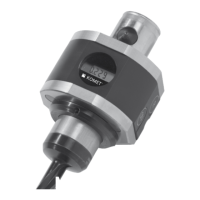
KOMET MicroKom® M040
8
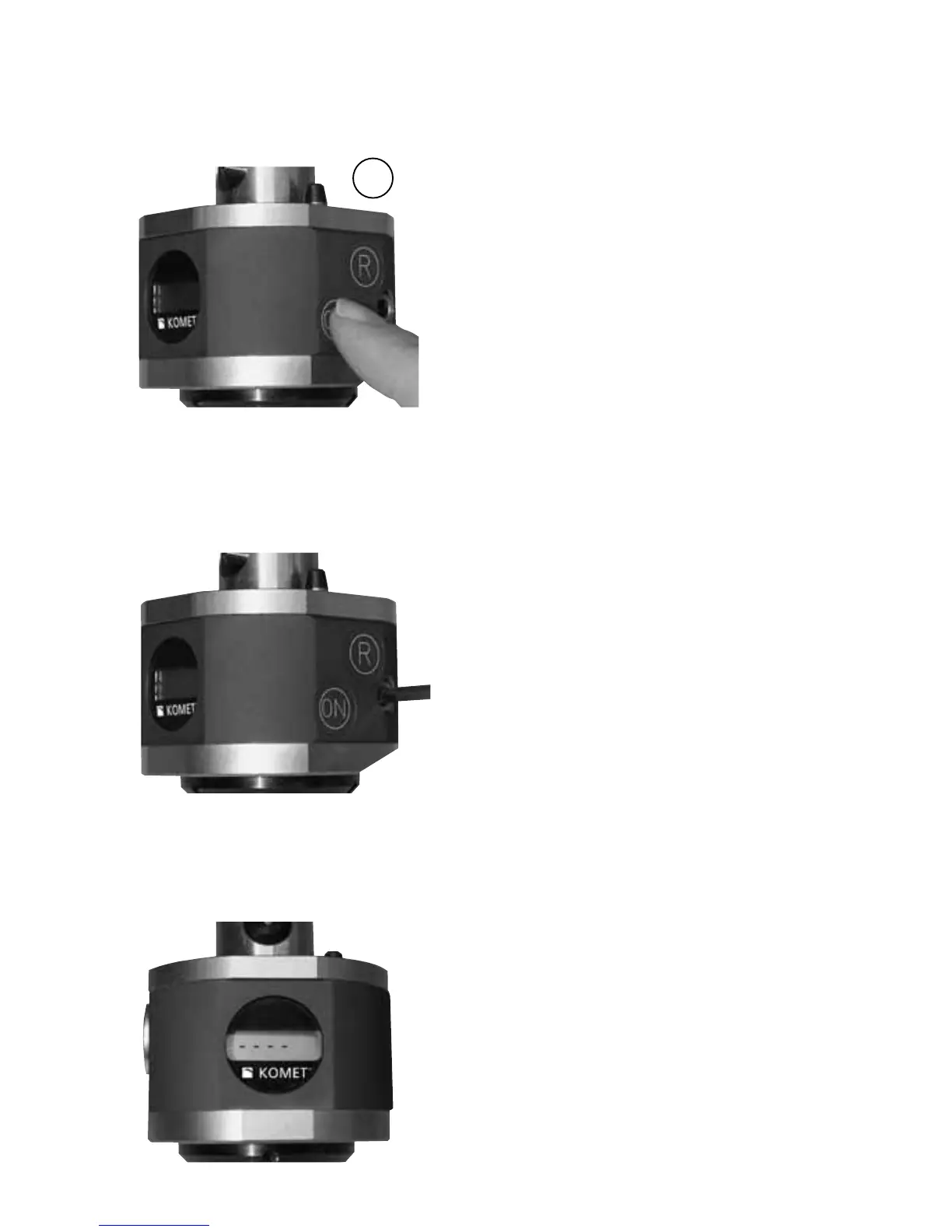
ON
Automatic off after 30 secs.
Adjust head with hexagonal
key (SW4)
Switch on head
OPERATING
We recommend:
• Adjustment 1-2 µ over nominal
dimension
• Turn back to nominal dimension
(Release adjustment mechanism)
• Again approx. 1/8 turn towards
adjustment
• The keyboard requires dynamic ope-
ration: The buttons are tapped rather
than pressed. The keyboard reacts
best when the button surface is tap-
ped in a short and distinct manner.
Long or hard pressing actions will not
be successful.
Important note: Do not apply
pressure on the keyboard with the
hexagonal key or with a pointed
object!
Switching between metric and
inch modes and vice versa:
• switch to the ABSOLUTE mode
• tap RESET key
• wait 1 second
• tap RESET key within 1 second
• wait 1 second
• tap ON key within 1 second
• wait 1 second
• tap RESET key within 1 second
Safety notes:
The application details shown depend
on the environmental and application
conditions (e.g. machine, ambient
temperature, use of lubricant/coolant
and the machining result required).
These are subject to correct operating
conditions, correct application and
compliance with the spindle speed
limits given for the tools.


 To Next Page
 Loading...