Innovative technology only for a better vision world
Hunan Bowan Technology Co.,Ltd. www.kommander.com.cn/en/
13.Save as a preplan: Add the current canvas resources to the play plan for
quick access at the next or official performance.
14.Lock: Lock the current material so that its size and position cannot be
changed, double-clicking the material cannot be replaced
3.39Blank screen
4.40.1Introduction
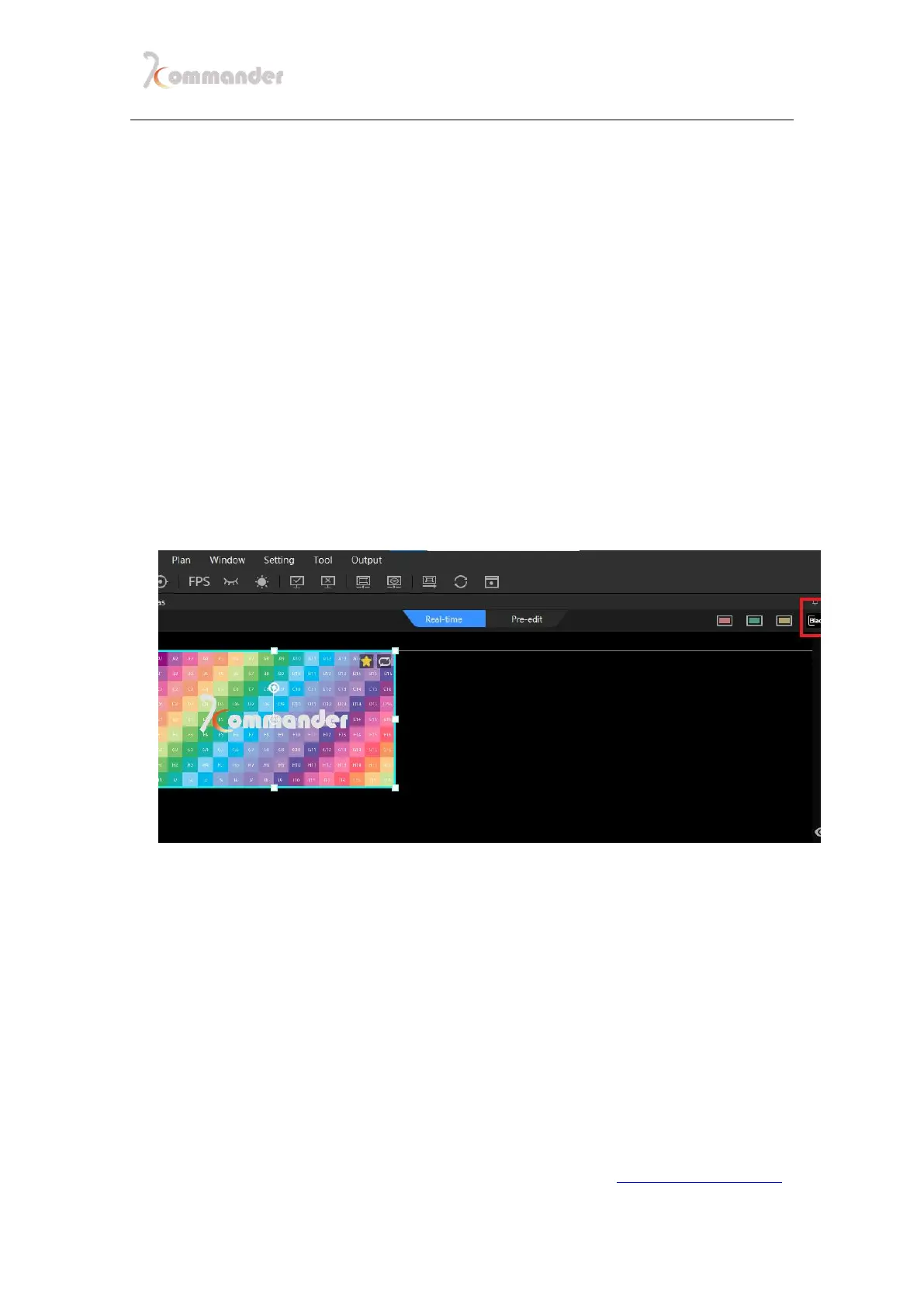
The software supports the black screen function, which can be called with one button
when the event needs it, the fade-in and fade-out effect is provided when the screen is black, and
various status settings are provided when the screen is black. Here are more settings for the black
screen
4.40.2More options【Come across maloperation】
1. Forbidden from editing. If you select the black screen, there is no
picture on the canvas or output.
2. Forbidden from editing. If you CHECK black screen, there is no screen
output but the canvas has a screen and can be changed.
3. If Mute is on then No audio either
4. Mute is unchecked when the screen is blank in the system settings. If
you select black screen, there is no output on the screen but audio is
output
5. When entering the black screen, the playback of the screen content will


 To Next Page