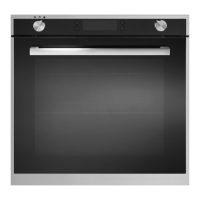
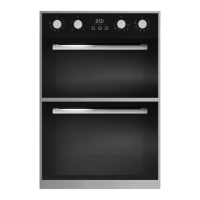
We recommend that you read the instructions in this owner’s manual carefully before use for the best performance and to
extend the life of your appliance, as it will provide you with all the instructions you require to ensure its safe installation,
use and maintenance. Always keep this owner’s manual close to hand since you may need to refer to it in the future.
Thank you.
SETTING THE CLOCK
Once it is connected to the electrical supply, the display
will show “ 12:00 ” within the square above “ ” symbol.
Press the “ + ” or “ – ” button to increase or decrease the
number until it reaches the right time; after 5 seconds
it will start automatically or you can press the function
button to make it work.
CLEANING THE OVEN FOR THE FIRST TIME
Before using the oven for the rst time we recommend
that both ovens be switched on and set to there highest
temperature. Keep the oven doors closed and leave the
appliance on for 30 minutes with nothing in it. Ensure
adequate ventilation during this process by opening any
doors and windows in the room. Any odours created
during this operation will be due to the evaporation of
substances used to protect the appliance during storage
prior to installation.


 To Next Page