4
INSTALLATION
Setting up your Konftel Cam10
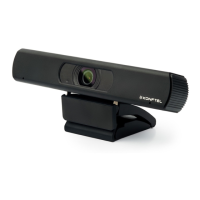
Place your web camera.
Place your Konftel Cam10 on top of a computer monitor, on a stable surface, or
attach the camera to a tripod.
To place your Konftel Cam10 on top of a monitor, carefully pry open the flexible clip
base, place the camera on top of the monitor, and press the clip base toward the
back of your monitor until the camera is level and firmly attached.
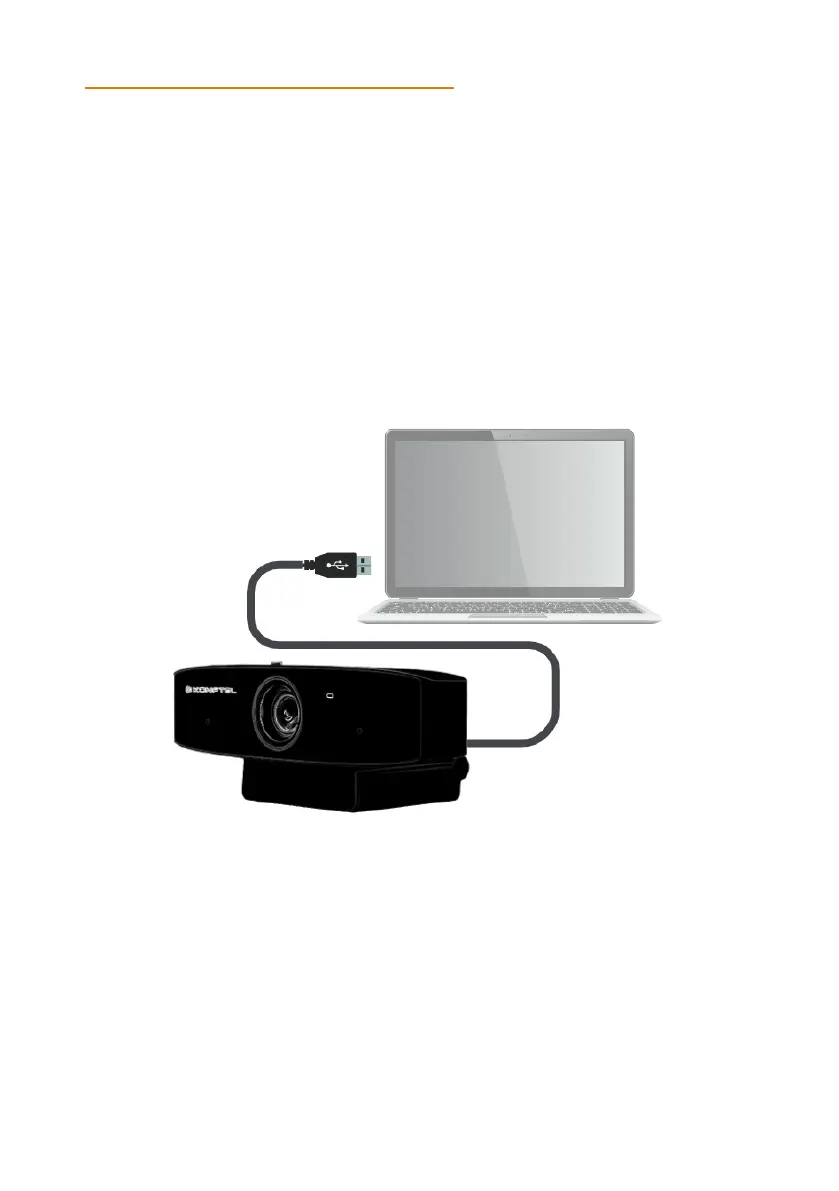
Connect your web camera
Connect your Konftel Cam10 camera to the USB port on your laptop or computer
using the attached cable.
Note: Remove the thin, adhesive, transparent film that is attached to the front of the lens
before you start using the camera.


 To Next Page