79
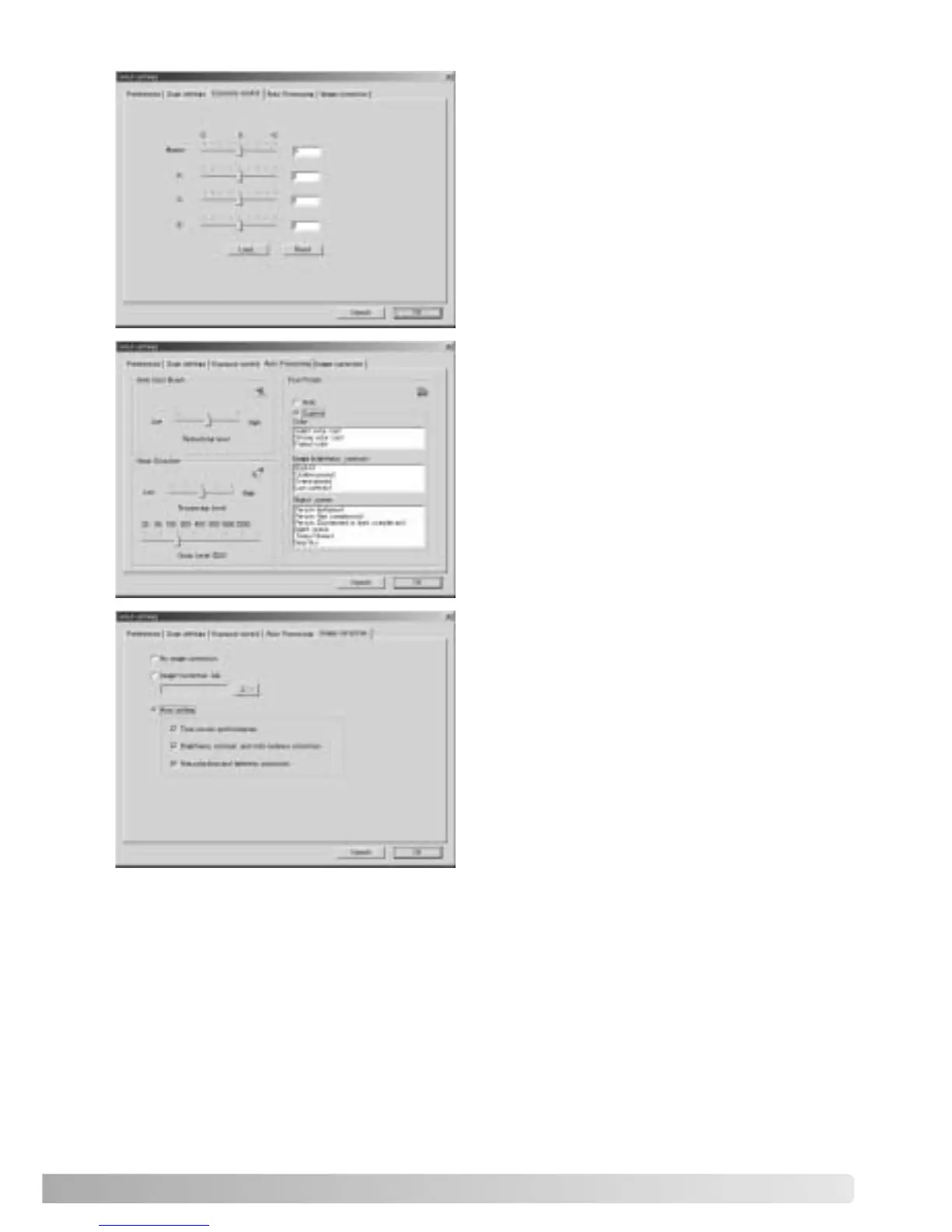
To set the parameters for Auto Dust Brush
(p. 38), Pixel Polish (p. 37), and Digital
Grain Dissolver (p. 59) image processing.
To apply image processing to the scanned
images.
See page 73 on image-correction Jobs.
The auto-setting functions automatically
correct the scanned image: the tone curve
and histogram setting improves color and
contrast: the brightness, contrast, and color-
balance setting improves contrast and
brightness: the hue, saturation, and
lightness setting improves saturation.
To control the scanner exposure.
See page 46 on how to make and save
exposure settings.













 To Next Page