86 AUTO DUST BRUSH PLUG-IN
Installation - Macintosh
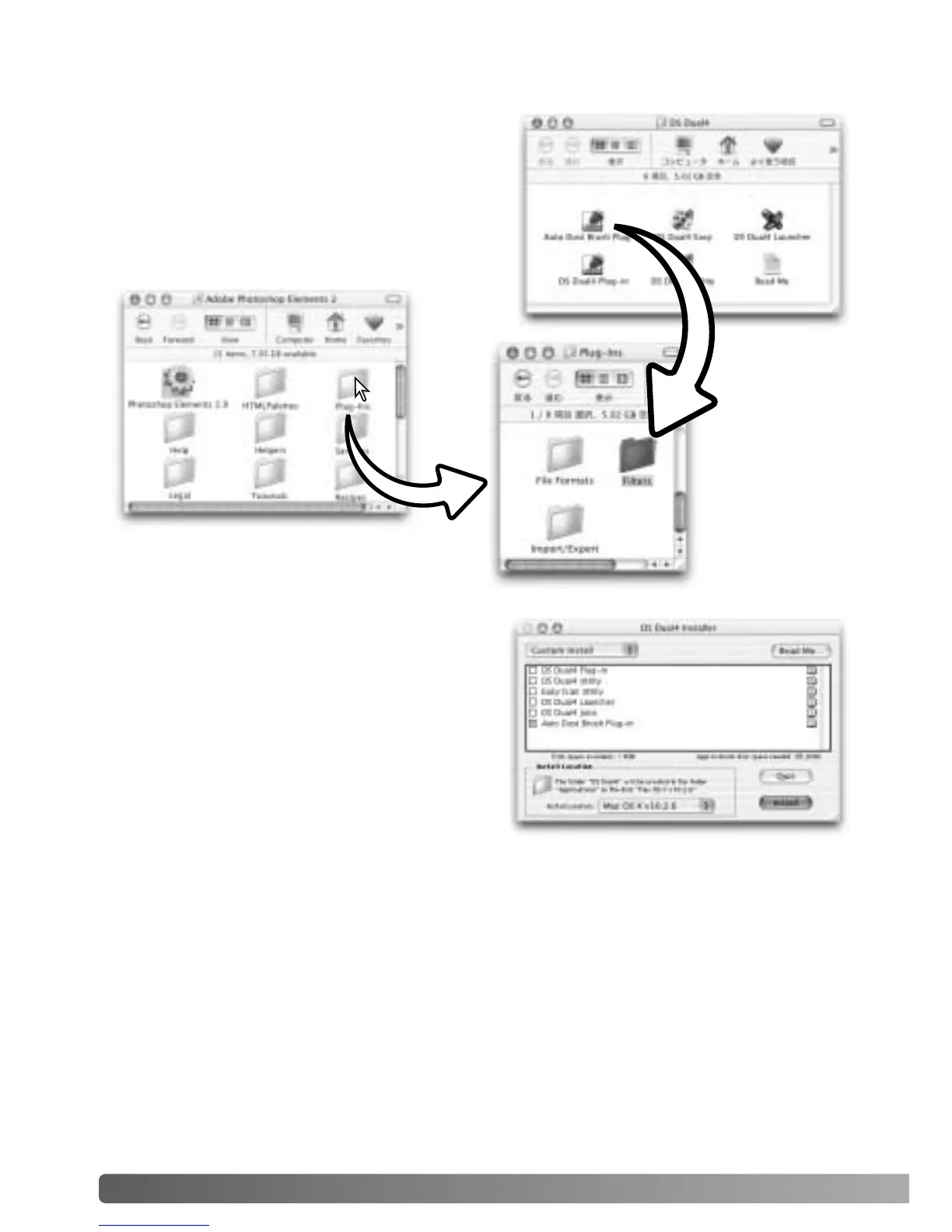
If the Auto Dust Brush plug-in was installed,
simply drag and drop the plug-in file into an
image-processing application’s plug-in filter
folder. This will allow the plug-in to be used in
that application. To use the plug-in, see page
88.
If the plug-in was not installed with the scanner
software, repeat the installation procedure on
page 14. In the custom install screen, only
select the Auto Dust Brush plug-in for
installation.
The location to install the plug-in can be
specified, but it will be placed in a folder titled,
“DS Dual4.”













 To Next Page