85
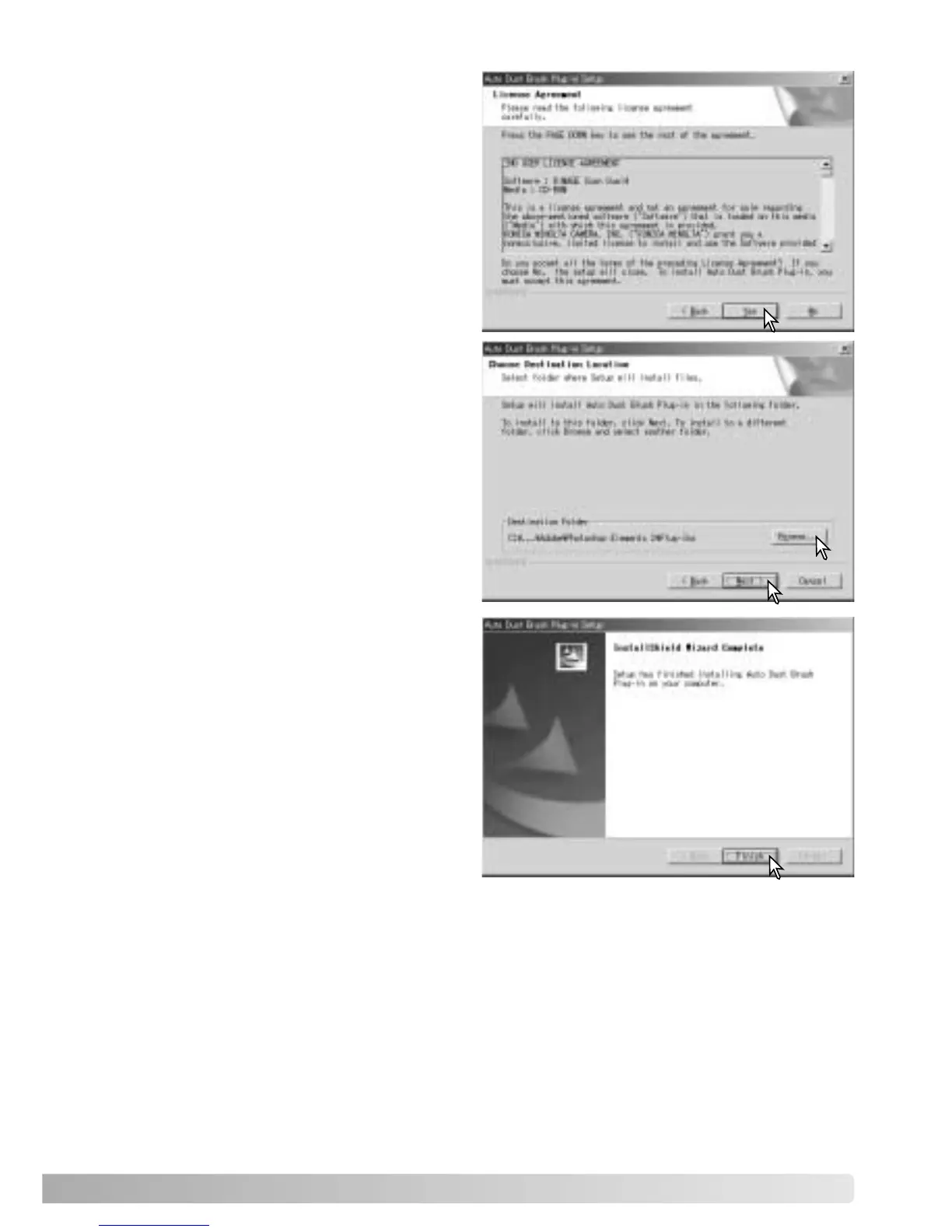
Click the yes button to accept the
agreement and continue. Read the entire
agreement carefully before continuing. If
you do not agree to the terms of the
license agreement, click the no button to
exit the setup program.
The InstallShield Wizard will indicate that
installation was successful.
To use the plug-in, see page 88.
To install the plug-in in the displayed
destination folder, click Next.
To install the software in another folder,
click the browse button to display the
folder selection window. Specify the
directory in which to install the software,
then click OK.













 To Next Page