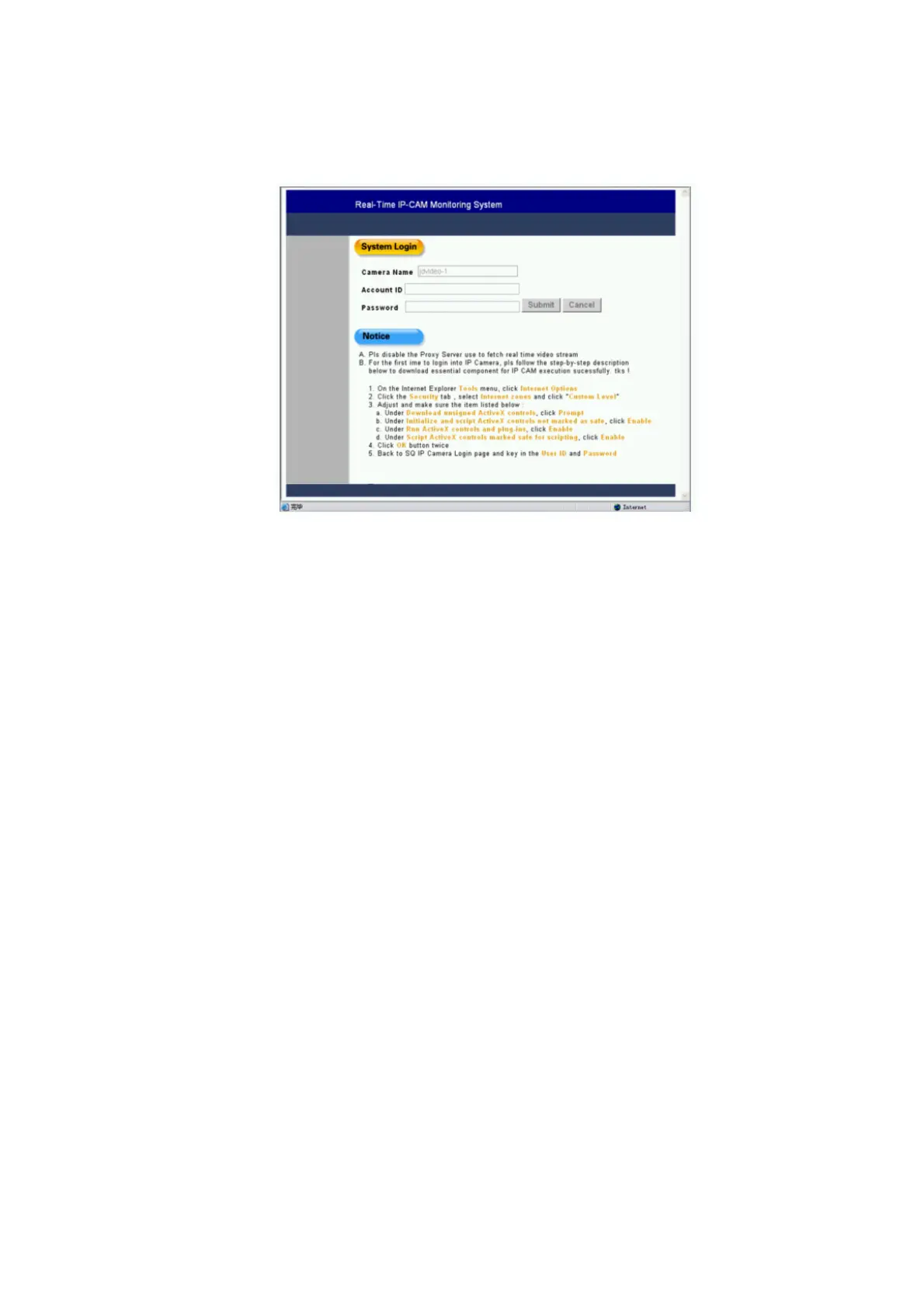
Step 2: The system login window will appear in IE, as
follows:
Step 3: Enter the Account ID and Password. The
default Account ID is "admin", and the default
Password is "password". Click <Cancel> to reenter
in case of any input error.
Step 4: Click <Submit> to log in, and the network
monitoring window starts after verification.



 To Next Page