EasyManua.ls Logo

Konig SEC-CAM901 - User Manual

Konig SEC-CAM901
31 pages
Print Icon
To Next Page IconTo Next Page
Loading...
SEC-CAM901
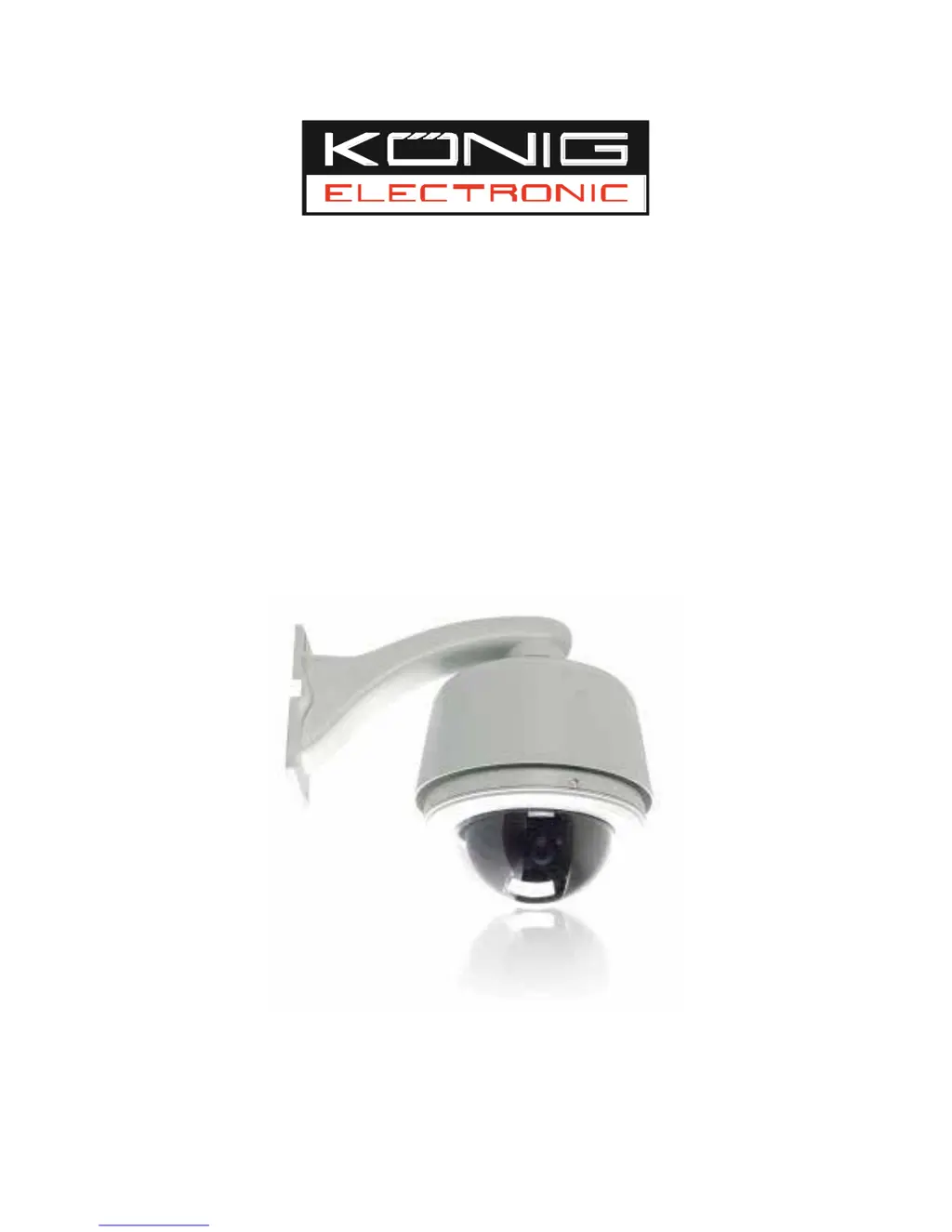
SPEED DOME CAMERA


Questions and Answers

  • M
    Mr. Travis HughesAug 11, 2025
    Why is my Konig SEC-CAM901 showing a blurred picture?
    • E
      Elizabeth GrayAug 11, 2025
      A blurred picture from your Konig Security Camera can occur if the dome is in manual focus mode or if the bubble is stained. To resolve this, set the focus to auto mode and clear the bubble.
  • R
    Rhonda BerryAug 17, 2025
    What to do if Konig Security Camera dome can not be controlled after self-test?
    • K
      Kevin HuynhAug 17, 2025
      If the Konig Security Camera dome cannot be controlled after the self-test, it could be due to a wrong dip switch setting or the control cable being reversely connected or disconnected. To fix this, set the dip switch correctly according to the operation manual and check the control cable, making sure it is correctly and firmly connected.
  • L
    Lisa ScottAug 26, 2025
    How to troubleshoot a Konig SEC-CAM901 with no movements or video after powering on?
    • A
      Amber BaileyAug 26, 2025
      If your Konig Security Camera shows no movements or video after being powered on, it could be due to several reasons: the red LED on the circuit board is off (no AC power to the PCB board), a power outage, a problem with the transformer, the camera module not being correctly connected, the transformer's output voltage being too low, or the power board not working. Check the power connection and outlet to ensure they're working correctly. Inspect the power supply and transformer. Check all power-related cables. Also, examine the power on the dome side, ensuring it's above 16V.
  • S
    Sharon RamirezSep 2, 2025
    What to do if Konig SEC-CAM901 fan speed is under 1000 rps?
    • I
      ibarramelanieSep 3, 2025
      If your Konig Security Camera's fan speed is under 1000 rpm, the fan might not be firmly connected. Ensure the fan is correctly connected. If the speed remains under 1000 rpm after checking the connection, please contact your dealer to replace the fan.

Summary

FEATURES

INSTALLATION PREPARATION

Dip Switch Setting

Details the configuration of DIP switches for system setup.

MOUNT TYPE

Wall Mount

Describes the procedure and considerations for mounting the dome on a wall.

INSTALLATION GUIDE

Wall Mount Installation

Step-by-step instructions for installing the dome on a wall.

SYSTEM CONNECTION

OPERATION INSTRUCTION

Access Main Menu

Guides on how to access the main operational menu.

MENU OPERATION

SYSTEM INFO

Security and Reset Options

Details password management, default settings, and system reboot procedures.

LENS PARAMETERS

CAMERA PARAMETERS

AUTO RUNNING

Preset Configuration and Management

Saving and managing specific camera positions and zoom levels.

Tour Setup and Execution

Creating sequences of presets for automated camera movement.

Cruise Mode Operation

Setting up automatic scanning between two defined points.

Pattern Recording and Playback

Recording and replaying custom pan/tilt/zoom movements.

ALARM

Alarm Input Configuration

Configuring actions for each of the 7 alarm input channels.

Alarm Output Method Settings

Setting up how alarm signals are outputted (NO/NC).

APPENDIX I: DIP SWITCH SETTINGS

Protocol and Baud Rate Configuration

Configuring communication protocols and baud rates via DIP switches.

Dome Address Setting

APPENDIX III: RS485 BUS BASIC KNOWLEDGE

RS485 Troubleshooting

Control and Communication Issues

Diagnosing problems with dome control and communication.

APPENDIX IV: TROUBLE SHOOTING

No Movement or Video After Power On

Steps to resolve issues with no camera movement or video feed.

Dome Control Failure

Troubleshooting when the dome is not responding to controller commands.

APPENDIX V: LIGHTNING PROOF & SURGE SIGNAL PROOF

Lightning Protection Technology and Precautions

Features and guidelines for protecting against lightning strikes.

APPENDIX VI: WARRANTY

Konig SEC-CAM901 Specifications

General IconGeneral
ConnectivityWired
Resolution720p
Megapixel1.0 MP
Lens3.6 mm
Viewing Angle90 °
Night VisionYes
IR distanceUp to 20 m
Weather ResistanceYes
Ingress ProtectionIP66
Power Supply12V DC
Operating Temperature-10°C to 50°C
Motion DetectionYes
StorageMicroSD card (up to 128GB)
TypeDome

Related product manuals