7. Usage of Image Function
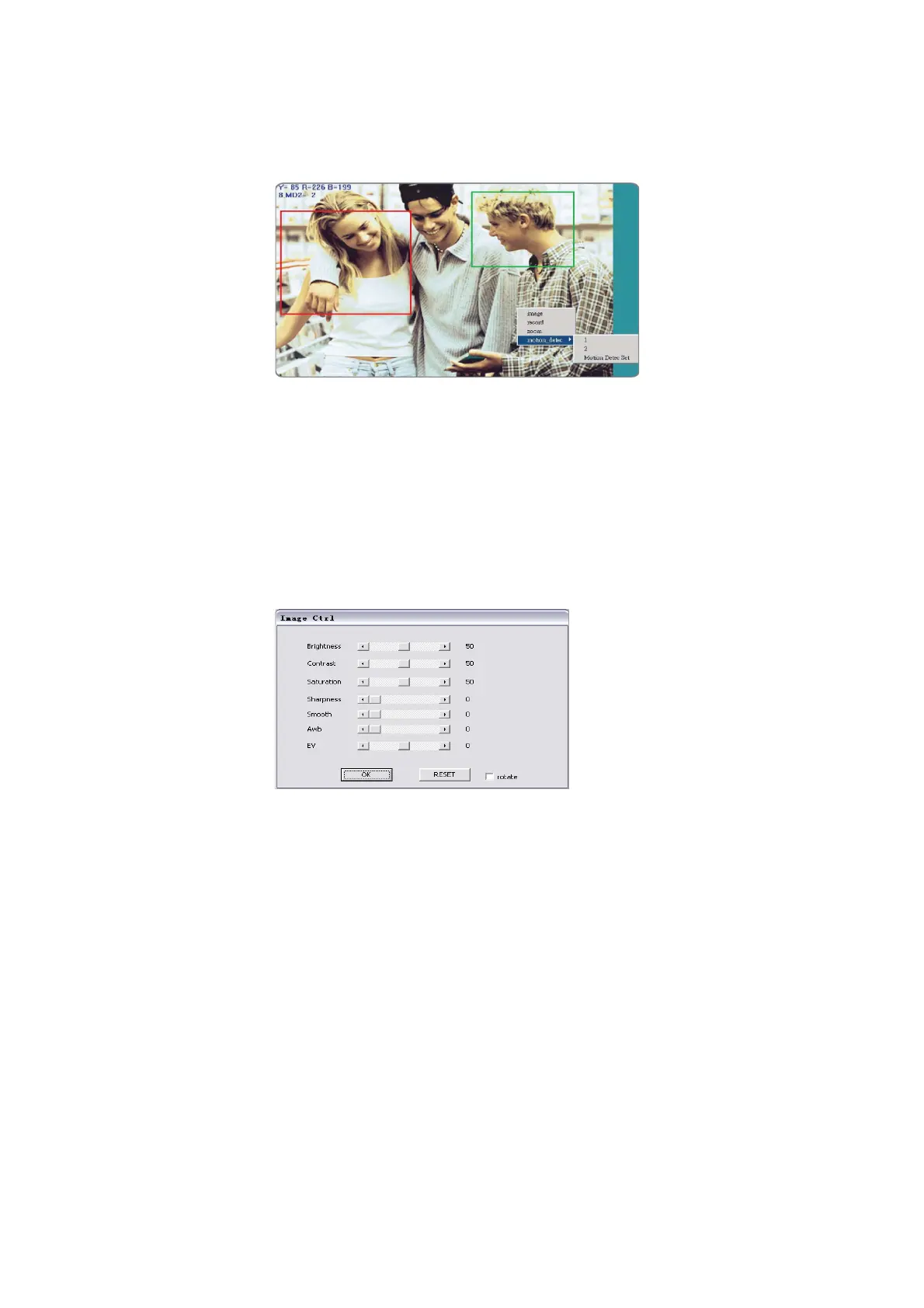
Move the cursor to a real-time monitoring image and
right click, and at this moment four options appear:
Image: Adjusts image parameters
Record: Sets and records animation files in AVI
format
Zoom: Zooms in an image in a selected box in digital
mode
Motion Detec Set: Sets motion detection parameters.
The settings will be detailed in the following sections
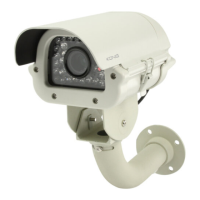
Image Adjustment: Click to select Image, the
following window appears (corresponding to the
<Image Set> button at the top of the screen), to set
the individual image parameters as follows:


 To Next Page