5
Taking Contiuous Pictures
1. Select the Burst icon, then press the OK button to confirm. And the icon will appear on
the LCD monitor.
2. Point the microscope at the subject; use the monitor screen to compose the image.
3. Holding the microscope still, gently press the shutter button to take the picture.
4. Enter the function mode again, and select the Burst icon, then press the OK button to back
the single picture mode.
DC MODE
Select the DC Mode button, press the OK button to enter it. Press the OK button to take the
picture.
Playback
Turn on the microscope. Press the Playback button you will see
some pictures on the screen.
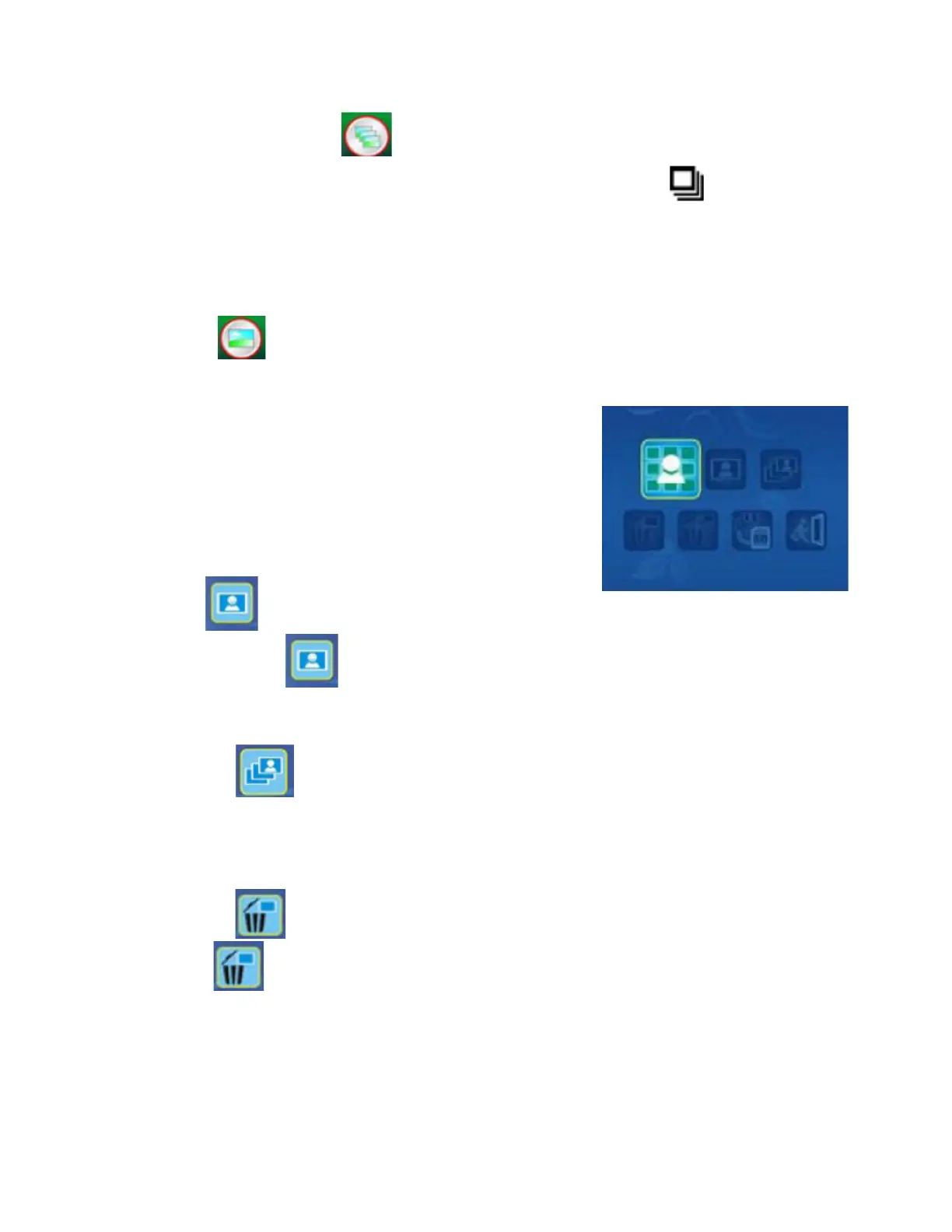
Then press the POWER & ZOOM IN & MENU to enter playback
mode. You can see the icons on the screen.
Press the Left or Right buttons to select these items.
• Single
When you select the icon, press OK button to confirm. You need press Left or Right
button to review the next / previous picture. Press the POWER & ZOOM IN & MENU to return the
Playback mode.
• Slide show
Use the Slide Show feature to continue display your photos on the scanner screen panel. Once
selected the Slide Show Mode, microscope will automatically play all the photos. Press any
button to stop the slide show. Press the POWER & ZOOM IN & MENU to return the Playback
mode.
• Delete One
Select the to delete current image.



 To Next Page