7
ArcSoft MediaImpression 2
ArcSoft MediaImpression 2 enables users to easily,
creatively, and productively manage their multimedia with
simple workflow and powerful tools. Organize your media
easily and create simple projects with editing tools. There
are endless ways to present and share; worry-free media file
backup & restore.
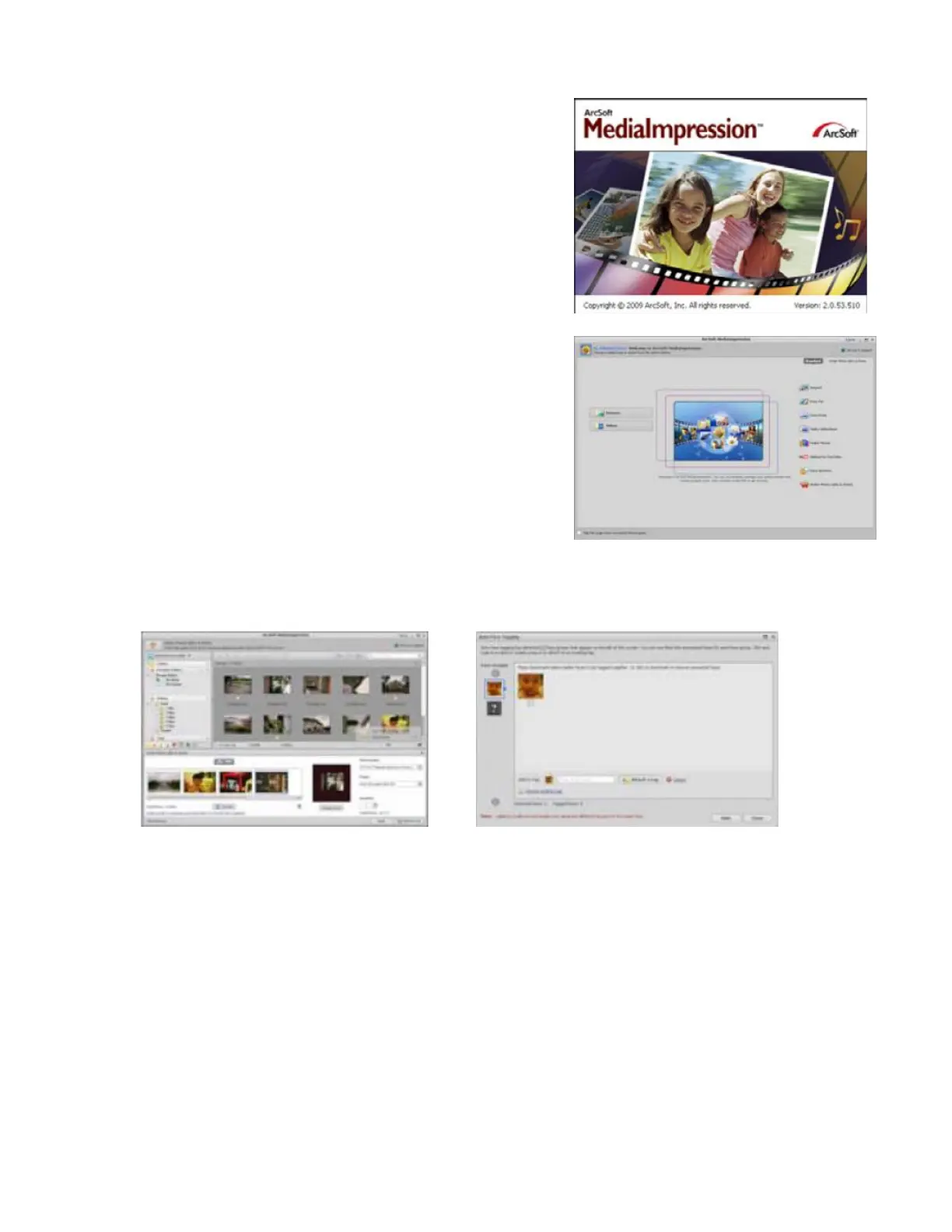
Click “Media Impression 2” “Setup.exe” “choose
language” “next” “Yes” “next” “next” “finish” to
download it. Double click “Media Impression 2” icon on the
desktop and you will see a window as the screenshot above.
When you enter the ArcSoft MediaImpression 2, you will see
a window as screenshot below then you can select as your
need.
Organize
Connect the Digi Microscope and the computer with the USB cable. Click the Import then you can
enter the Organize groups.
1. Auto face tagging automatically finds all faces in photos, groups them, and then tags them.
2. Auto scene tagging automatically analyzes content of photos then tags them with different
scenes.
3. Auto rating automatically detects and rates poor-quality and high-quality photos Ratings &
tags compatible with Windows Vista (XMP support).
4. Search media files with multiple criteria combinations (such as combining folders, ratings,
tags, Share and time)
5. Geotag photos and view photos in the exact spot you took them in Google Earth.



 To Next Page