18
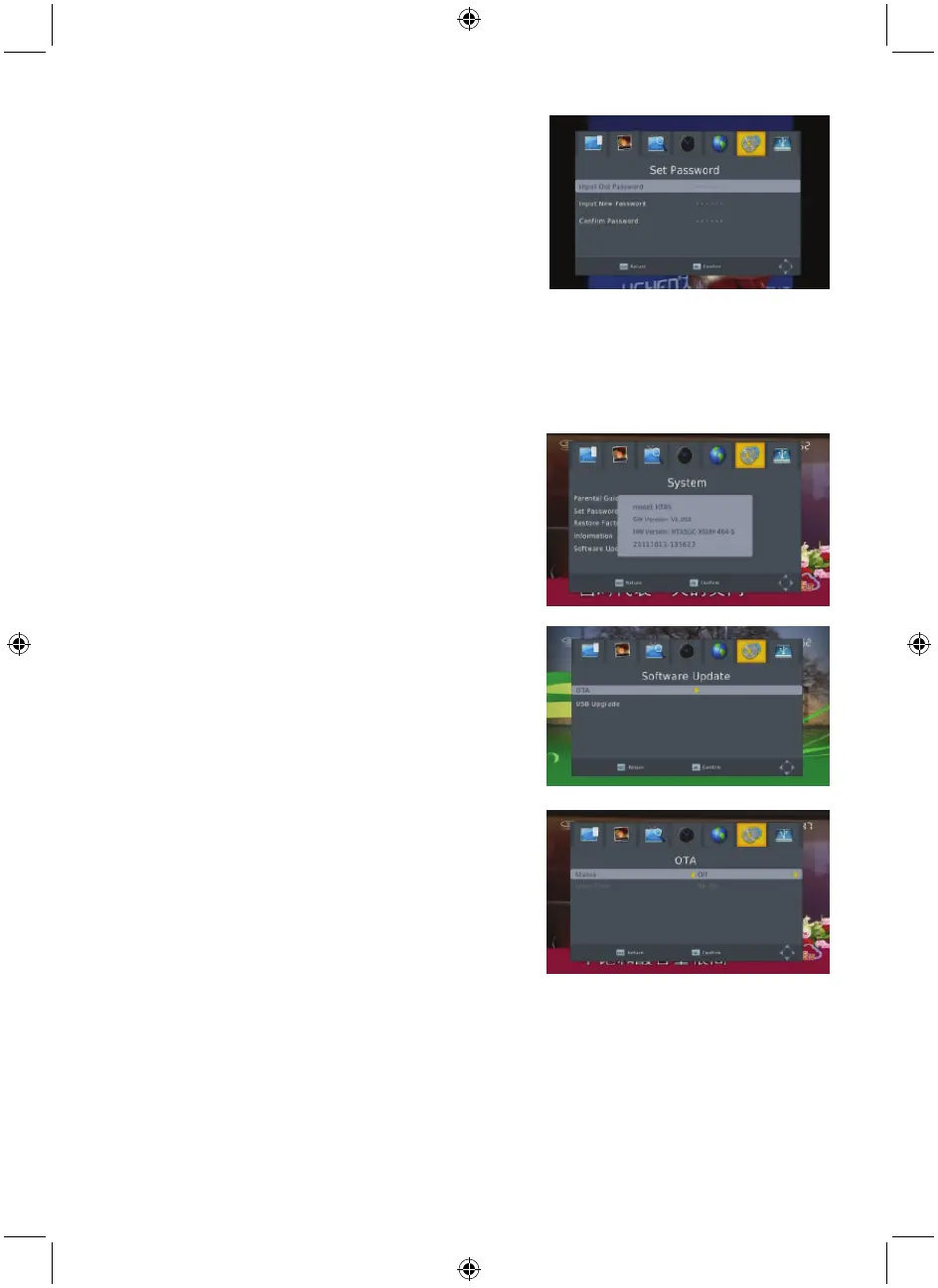
6.2 Set password
Input the old password: Input the password by pressing
the number keys 0-9.
Input the new password: Input the password by pressing
the number keys 0-9.
Confirm the new password: Press the number keys 0-9 to
input the new password again.
Note: The default password is: 000000. Please record your
new password. If your new password is lost, please contact
your service provider.
6.3 Restore factory default
Choose the option of Restore Factory Default and press [OK] to restore.
Press [OK] to start and press [EXIT] to quit.
Note: Please use this function carefully.
6.4 Information
When you enter the Information menu, the screen displays
the receiver information, such as model, SW version and so
on.
Press [EXIT] to leave this menu.
6.5 Software upgrade
There are 2 Update modes: OTA update and USB update.
6.5.1 OTA upgrade
1. Status: Select between On and Off. If you select Off, the
Start Time turns grey.
2. Start Time: Select between 00:00 to 23:00.
6.5.2 USB upgrade
Press OK to upgrade through a USB Device.



 To Next Page