22
8.11 Info
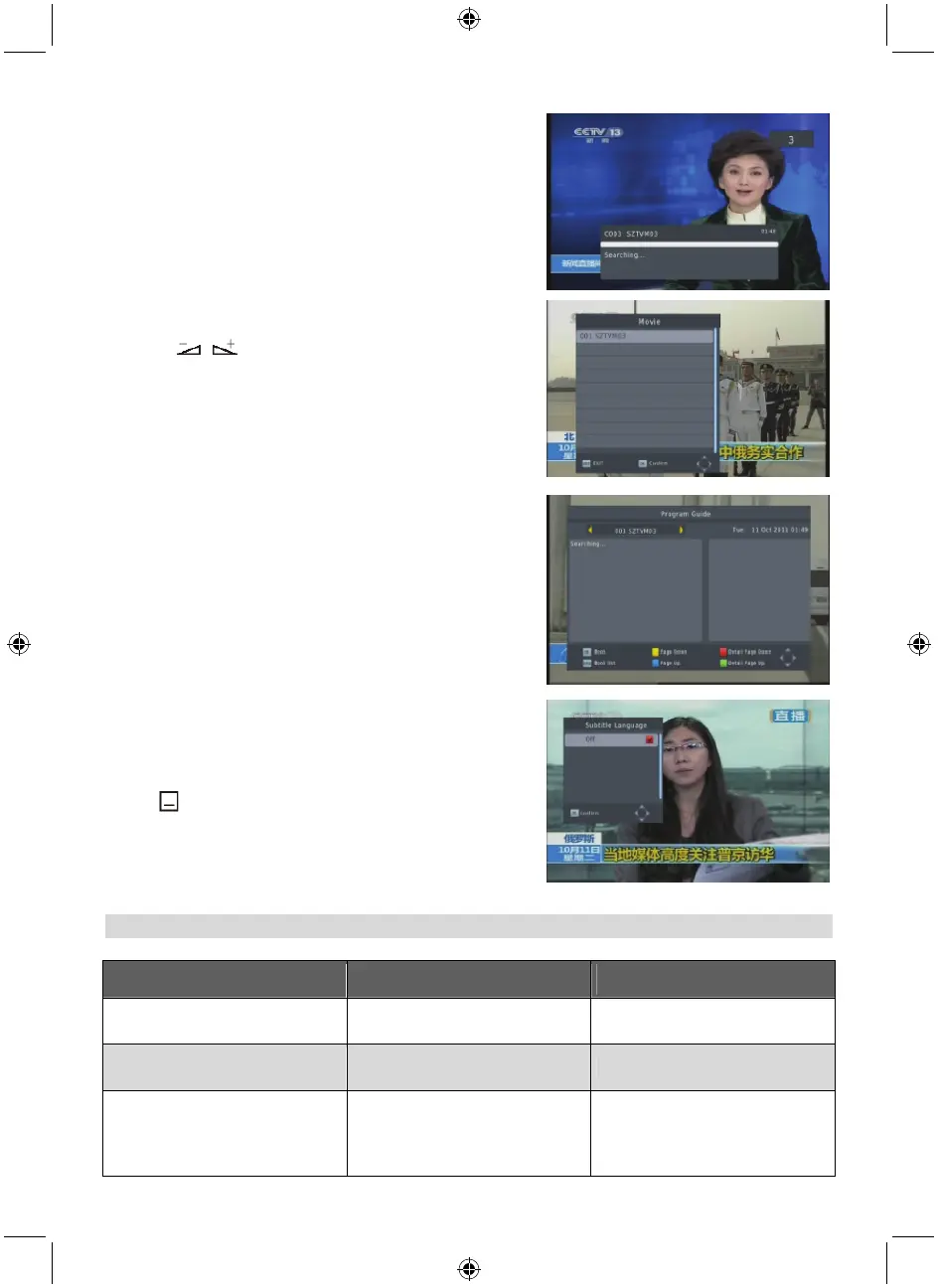
Press INFO to enter the information window.
8.12 FAV
1. Press the FAV to pop up the favourite group window.
2. Press
to select the desired favourite group.
Press PR+, PR- to select the channel up or down. Press
OK at the selected channel to view it in full screen. Press
EXIT to exit.
3. If there is no favourite channel, the system will advise
you “No Favourite Programme!” when you press FAV.
8.13 EPG
Please refer to 1.2 EPG for explanation.
8.14 Subtitle
Press
to open the subtitle window on the screen.
TROUBLESHOOTING
Problem Possible causes What to do
The display on the front panel
does not light up.
Main cable is not connected.
Check that the main cable is
plugged into the power socket.
No sound or picture, but the front
panel shows red light.
The receiver is in standby mode. Press the standby button.
No sound or picture. No signal or weak signal.
Check the cable connections,
antenna and other equipment
connected between the antenna
and the receiver.



 To Next Page