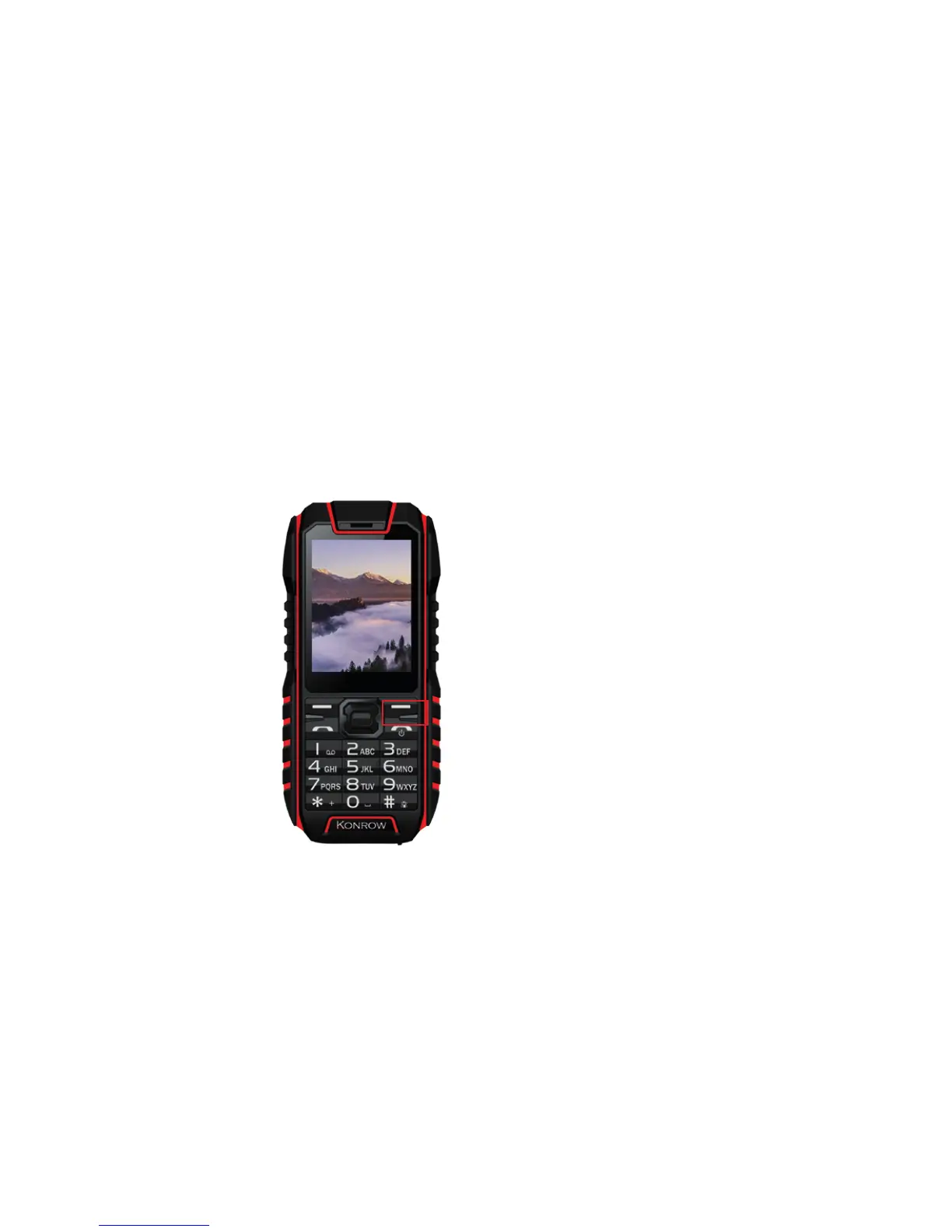
To switch the mobile on, press the On/O button located
Locking/Unlocking SIM cards
Your Stone is a dual SIM mobile. It enables you to phone using
on the side of the mobile during
3 seconds.
If the mobile is switched on, press
for less than a second the button
to put the device into standby
mode. Press it again to leave
standby mode.
To switch o the mobile, press the
On/O button during 3 seconds.
two lines from the same device. There are two SIM card slots.
• When you start up your phone, the script invites you to
enter the PIN codes of both SIM cards,successively (SIM1
then SIM 2).
• The ‘‘emergency call’’ function enables you to call an
emergency number without entering the PIN code.


 To Next Page