11
SLEEP MODE
(This mode can only be programmed from the remote control.)
1. The air conditioner will need to be in operation.
2. Press the Sleep button. The “ ” icon appears on the multi-color display.
3. The fan motor runs at low speed.
4. When in cooling mode, the temperature will increase 1
°
C per hour during the first two hours. Then
the temperature will stay 2
°
C higher than the originally set temperature for 6 hours. 6 hours later,
the unit will shut down.
5. When in heating mode, the temperature will decrease 1
°
C per hour during the first two hours. Then
the temperature will stay 2
°
C lower than the originally set temperature for 6 hours. 6 hours later,
the unit will shut down.
6. When in dehumidify mode, the temperature will not change.
NOTE: If the unit is turned off during cooling, dehumidifying, or heating and then restarted, there will be a 3
minute delay before the compressor will turn back on to prolong the life of the compressor. Once the power
recovers and the compressor restarts, the unit will return to the original working mode.
REMOTE CONTROL & OPERATION
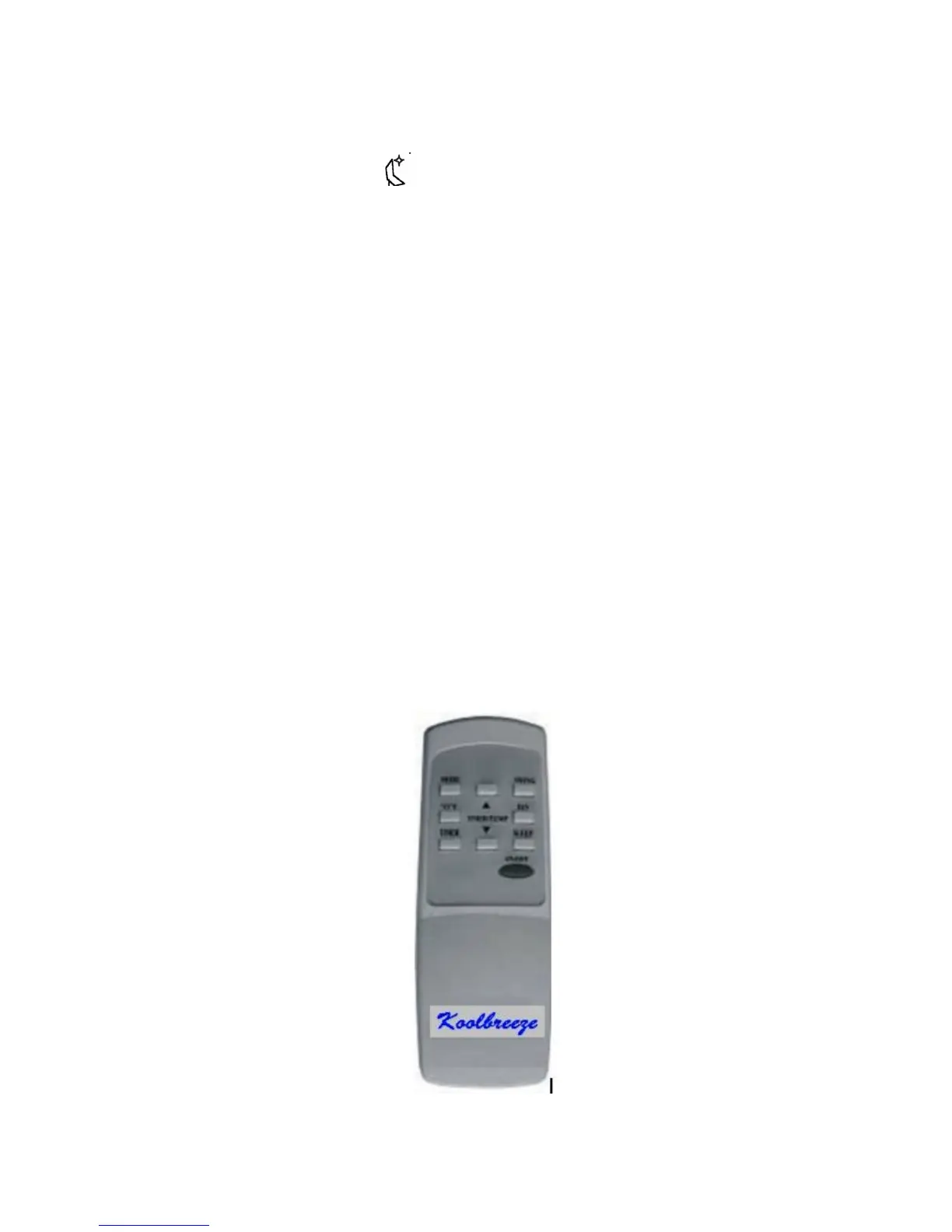
The remote control provided with the unit can be used to operate the portable air conditioner. The remote
control uses 2 AAA batteries (provided). Install the batteries before using the remote control.
The remote control can be used to do all the operations that can be programmed from the control panel.
When the unit is in Air Conditioner mode you can select your desired temperature. Press the ▲ or
▼ to select your desired temperature setting. The temperature on the multi-color display on the
control panel will increase or decrease accordingly. Pressing the °C/°F button will change the
temperature select between °F and °C.


 To Next Page