EasyManua.ls Logo

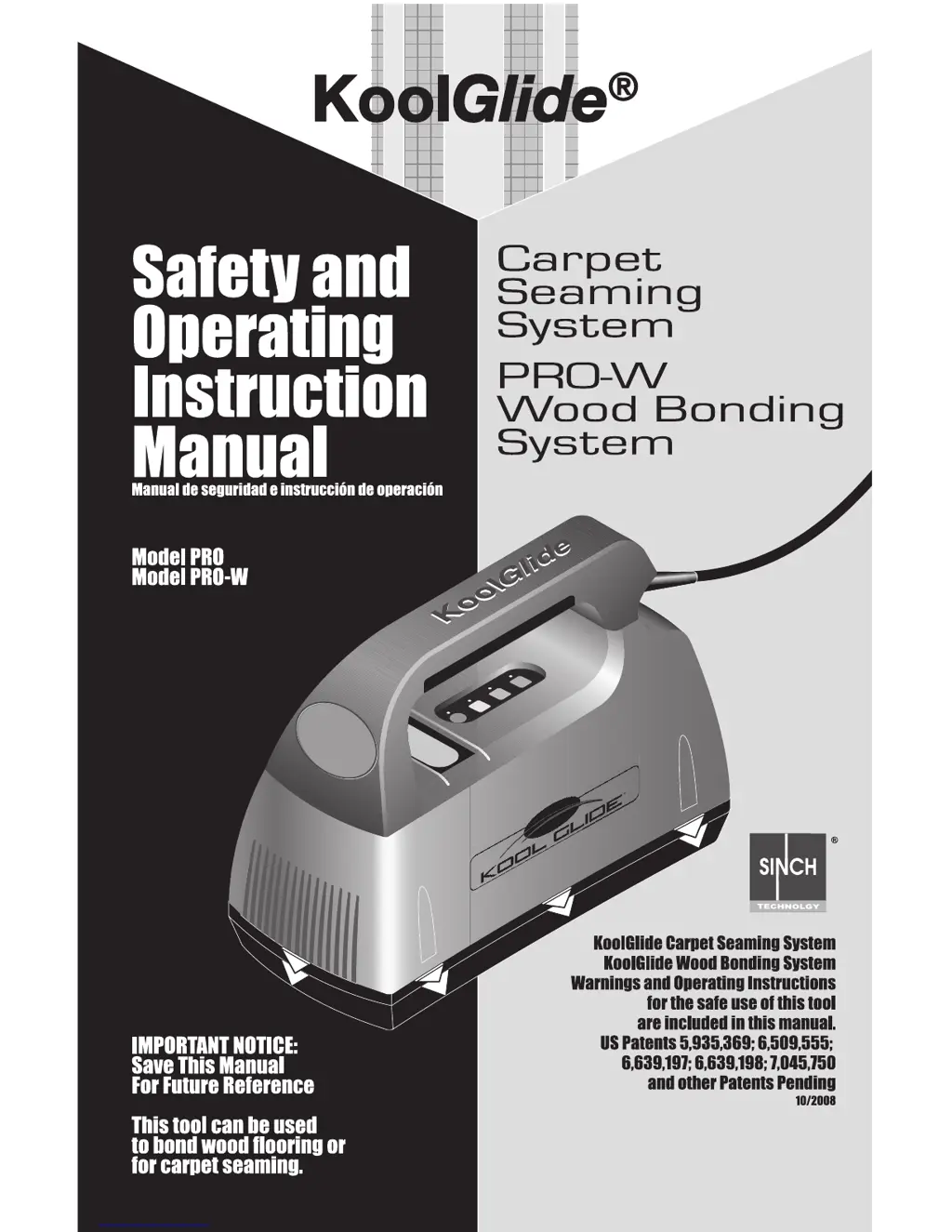
KoolGlide PRO - User Manual

KoolGlide PRO
8 pages
Print Icon
To Next Page IconTo Next Page
Loading...
1

Questions and Answers

  • A
    Allen ChavezJul 31, 2025
    Why is my KoolGlide Power Tool not working?
    • Z
      zparkerJul 31, 2025
      Your KoolGlide Power Tool may not be operating because the power cord is disconnected. Ensure the tool is properly connected to a power source. If the tool still does not operate after checking the power connection, it may have malfunctioned and needs to be returned to a KoolGlide Technology Service Technician for repair.
  • M
    Melissa WatsonAug 4, 2025
    What to do if the Power Setting Lights do not come on when KoolGlide Power Tool is plugged in?
    • S
      Sharon SmithAug 4, 2025
      If the Power Setting Lights on your KoolGlide Power Tool do not illuminate when plugged in, first ensure that the power cord is securely connected to a power source. If the lights still do not come on, the tool may have malfunctioned and should be returned to a KOOLGLIDE® Technology Service Technician for repair.
  • J
    jamesjesseAug 8, 2025
    What does it mean when Activation (Power) Light blinks 3 times on KoolGlide PRO?
    • J
      Joseph HartAug 8, 2025
      If the Activation (Power) Light on your KoolGlide Power Tool blinks 3 times, it could indicate several issues. First, ensure the tool is properly aligned over the tape and reactivate it without moving. Also, verify that the wood thickness is less than 1 inch. Low voltage in the line or an inadequate extension cord (it should be 14 gauge or lower) could also be the cause. Make sure your generator is operating correctly.
  • B
    Brittany CaseAug 13, 2025
    What to do if Activation (Power) Light flashes when KoolGlide PRO is plugged in?
    • J
      James ChambersAug 13, 2025
      If the Activation (Power) Light flashes when your KoolGlide Power Tool is plugged in, it indicates the tool has malfunctioned. Return the tool to a KOOLGLIDE® Technology Service Technician for repair.
  • L
    Lucas SandovalAug 17, 2025
    Why does my KoolGlide PRO get hot during normal operation?
    • K
      Kathy MitchellAug 17, 2025
      If your KoolGlide Power Tool becomes hot during normal operation, it may be due to insufficient air flow through the tool. Clean the air vents with a blast of air. If the problem persists, return the tool to a KOOLGLIDE® Technology Service Technician for repair.
  • E
    ericheathAug 21, 2025
    What to do if KoolGlide PRO Power Tool produces poor-quality bonds?
    • D
      Diana AustinAug 21, 2025
      If your KoolGlide Power Tool produces poor-quality bonds, make sure to position the tool carefully and center it well on the tape. Also, ensure that the tool remains still during the bonding cycle.
  • C
    Christopher LarsonAug 26, 2025
    How to clean dirty KoolGlide Power Tool case?
    • A
      Adam AndersonAug 27, 2025
      To clean a dirty or greasy KoolGlide Power Tool case, disconnect it from the power source. Use a damp cloth and mild detergent to wipe down the case.

Summary

Tool Descriptions

KoolGlide Tool Features

Details the KoolGlide PRO-W and PRO tools, their power settings, and SINCH Technology.

User Responsibilities

Responsibilities Outline

Defines duties for employers, tool users, and maintenance personnel for safe operation.

Safety Instructions

KoolGlide Installation Procedures

Component Definitions

Defines key parts like buttons, alignment marks, and vents of the KoolGlide tool.

Installation Cautions

Warns against improper alignment, direct tool contact, and rapid activations during installation.

Carpet Seaming Instructions

Seaming Near Walls;Door Jambs

Step-by-step guide for seaming carpet seams adjacent to walls or door jambs.

Seaming Long Carpet Runs

Detailed steps for seaming extended carpet sections using the KoolGlide tool.

Wood Bonding Installation Instructions

Troubleshooting and Specifications

Troubleshooting Guide

Lists common problems, probable causes, and corrective actions for the KoolGlide tool.

Tool Specifications

Provides technical details: carpet/wood thickness, voltage, temperature, weight, and dimensions.

SINCH Technology Induction Tool Warranty

KoolGlide PRO Specifications

General IconGeneral
BrandKoolGlide
ModelPRO
CategoryPower Tool
LanguageEnglish