8
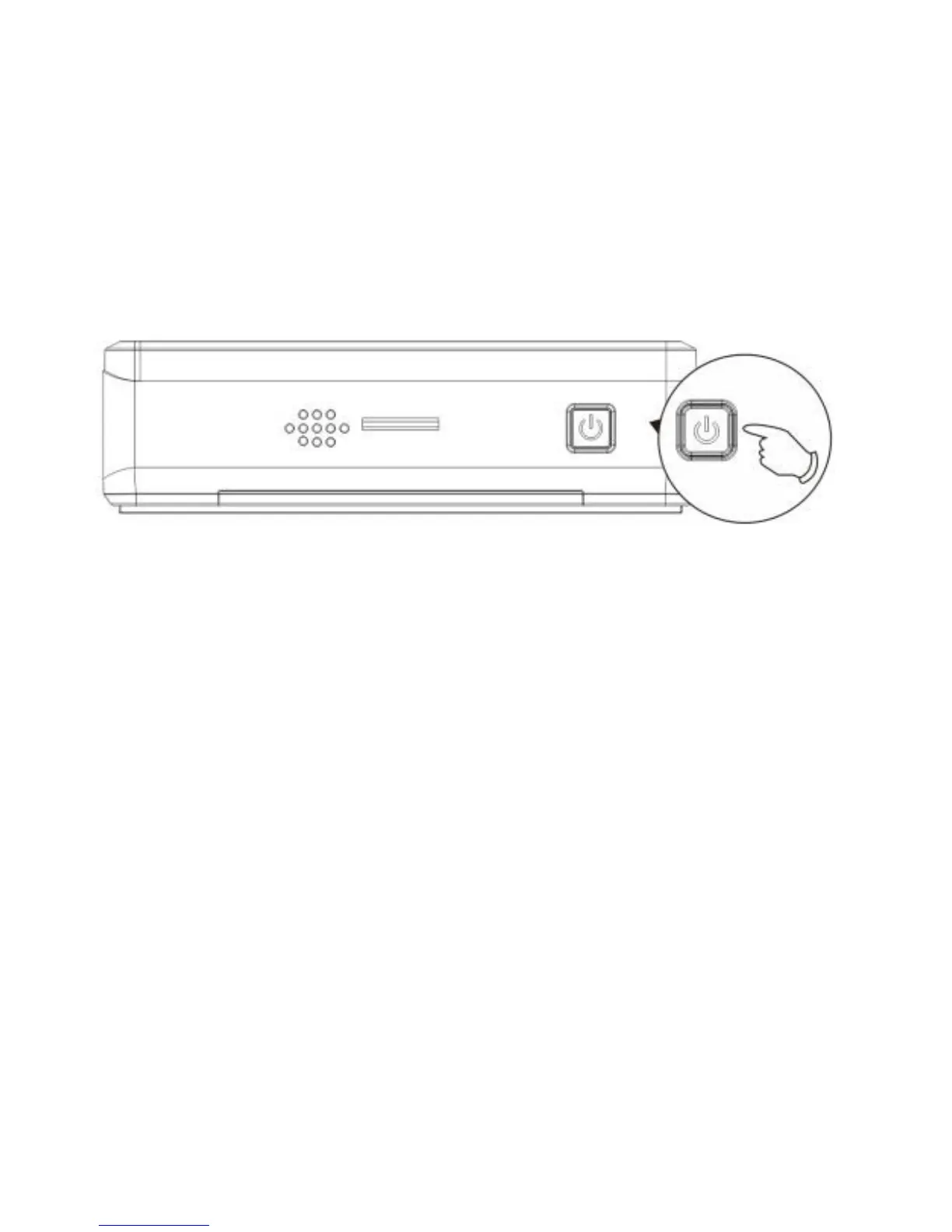
To turn off, press and hold the POWER button for at least 2 seconds.
2.2.5 Initial Settings
Before using the device, we recommend you to set up the correct date and
time.
Set the Date and Time
To set the correct date and time, do the following in standby window:
1. Press [Menu] button to enter the OSD menu.
2. Press [Mode] button, to select system setups.
3. Press[▼] to select Data and Time.
4.Press [OK] and use [▲] [▼] to change the digits. Press [Mode] to move
to another digit.



 To Next Page