20
3.1.2 System settings
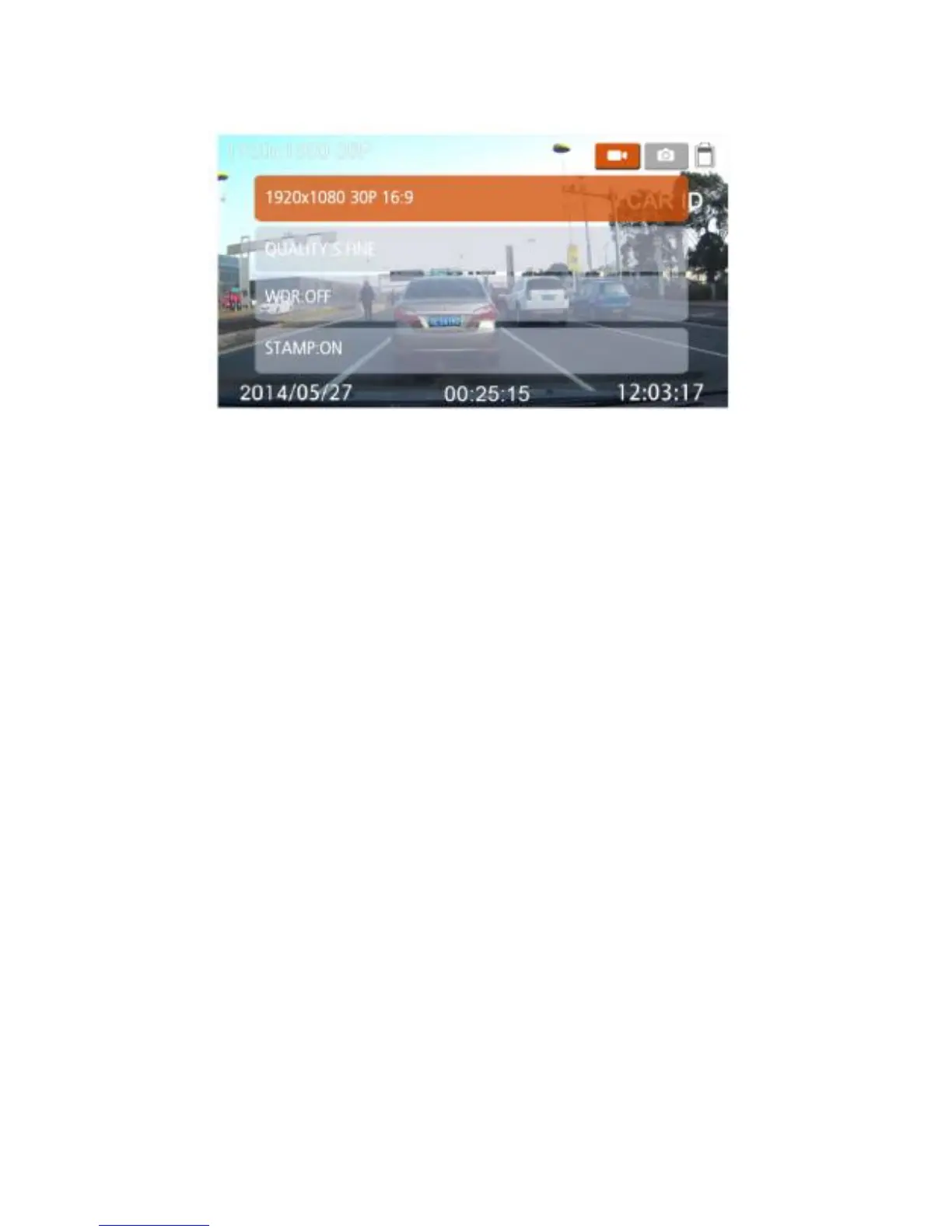
Press the [Mode] button to enter system settings. For each of these 2 pages
settings, you can do the following:
1. Press [▲] [▼] button to select settings and press [OK] to enter.
2. Press [▲] [▼] button to select the right options and press [OK].
3. Repeat step 1, 2 until finish all setups.
4. After finish, press [Menu] to quit menu setup.
3.2 Menu Tree
Refer to the below table for details on menu items and available menu
options.



 To Next Page