39
3. Turn on the Wi-Fi connection from the appliance as described in the pre-
vious paragraphs.
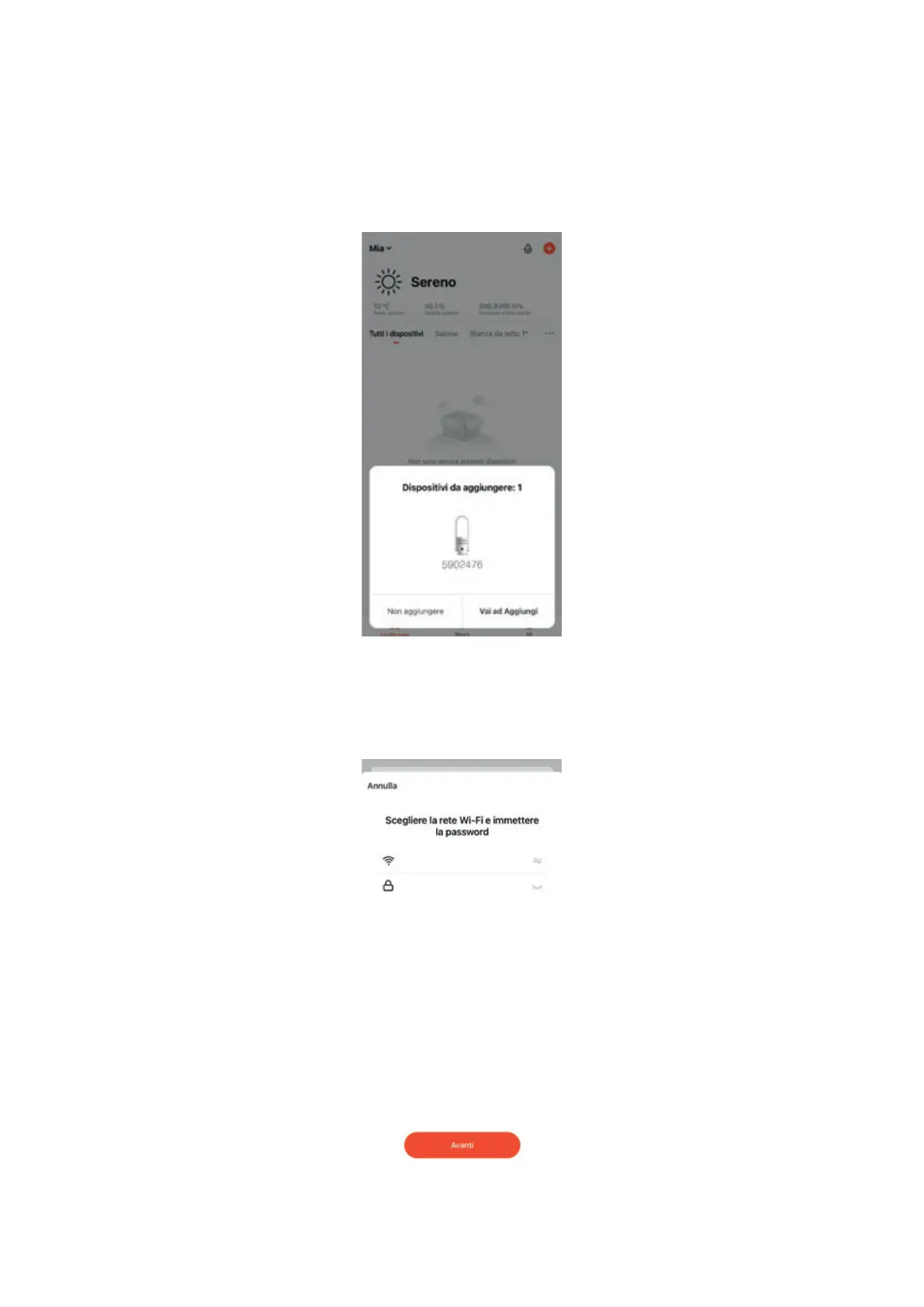
4. On the main Tuya screen a banner will automatically appear indicating the
possibility of connecting the device; click on “Add”:
5. Type the name of the Wi-Fi network you want to connect to, making sure it
is set to 2.4 GHz; then enter the network password and click “Next”:



 To Next Page