EasyManua.ls Logo

Korg 01/W pro - Page 9

Korg 01/W pro
41 pages
Print Icon
To Next Page IconTo Next Page
To Previous Page IconTo Previous Page
Loading...
ES
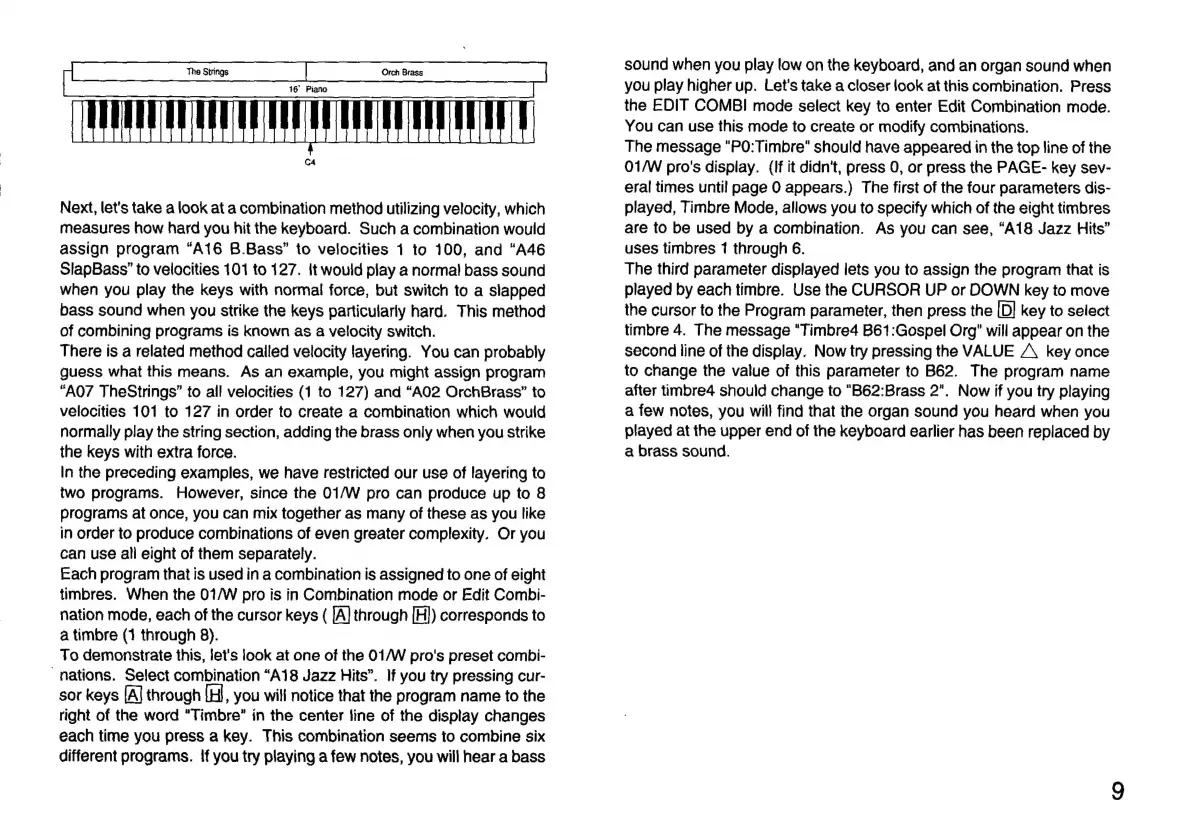
C4
Next,
let's
take
a
look
at
a
combination
method
utilizing
velocity,
which
measures
how
hard
you
hit
the
keyboard.
Such
a
combination
would
assign
program
“A16
B.Bass”
to
velocities
1
to
100,
and
“A46
SlapBass”
to
velocities
101
to
127.
it
would
play
a
normal
bass
sound
when
you
play
the
keys
with
normal
force,
but
switch
to
a
slapped
bass
sound
when
you
strike
the
keys
particularly
hard.
This
method
of
combining
programs
is
known
as
a
velocity
switch.
There
is
a
related
method
called
velocity
layering.
You
can
probably
guess
what
this
means.
As
an
example,
you
might
assign
program
“A07
TheStrings”
to
all
velocities
(1
to
127)
and
“A02
OrchBrass”
to
velocities
101
to
127
in
order
to
create
a
combination
which
would
normally
play
the
string
section,
adding
the
brass
only
when
you
strike
the
keys
with
extra
force.
In
the
preceding
examples,
we
have
restricted
our
use
of
layering
to
two
programs.
However,
since
the
01/W
pro
can
produce
up
to
8
programs
at
once,
you
can
mix
together
as
many
of
these
as
you
like
in
order
to
produce
combinations
of
even
greater
complexity.
Or
you
can use
all
eight
of
them
separately.
Each
program
that
is
used
in
a
combination
is
assigned
to
one
of
eight
timbres.
When
the
01/W
pro
is
in
Combination
mode
or
Edit
Combi-
nation
mode,
each
of
the
cursor
keys
(
[A]
through
[H])
corresponds
to
a
timbre
(1
through
8).
To
demonstrate
this,
let's
look
at
one
of
the
01/W
pro's
preset
combi-
“nations.
Select
combination
“A18
Jazz
Hits”.
If
you
try
pressing
cur-
sor
keys
[A|
through
[H,
you
will
notice
that
the
program
name
to
the
right
of
the
word
“Timbre”
in
the
center
line
of
the
display
changes
each
time
you
press
a
key.
This
combination
seems
to
combine
six
different
programs.
lf
you
try
playing
a
few
notes,
you
will
hear
a
bass
sound
when
you
play
low
on
the
keyboard,
and
an
organ
sound
when
you
play
higher
up.
Let's
take
a
closer
look
at
this
combination.
Press
the
EDIT
COMBI
mode
select
key
to
enter
Edit
Combination
mode.
You
can
use
this
mode
to
create
or
modify
combinations.
The
message
"PO:Timbre"
should
have
appeared
in
the
top
line
of
the
01/W
pro's
display.
(If
it
didn't,
press
0,
or
press
the
PAGE-
key
sev-
eral
times
until
page
0
appears.)
The
first
of
the
four
parameters
dis-
played,
Timbre
Mode,
allows
you
to
specify
which
of
the
eight
timbres
are
to
be
used
by
a
combination.
As
you
can
see,
“A18 Jazz
Hits”
uses
timbres
1
through
6.
The
third
parameter
displayed
lets
you
to
assign
the
program
that
is
played
by
each
timbre.
Use
the
CURSOR
UP
or
DOWN
key
to
move
the
cursor
to
the
Program
parameter,
then
press
the
[D]
key
to
select
timbre
4.
The
message
"Timbre4
B61:Gospel
Org"
will
appear
on
the
second
line
of
the
display.
Now
try
pressing
the
VALUE
A
key
once
to
change
the
value
of
this
parameter
to
B62.
The
program
name
after
timbre4
should
change
to
"B62:Brass
2".
Now
if
you
try
playing
a
few
notes,
you
will
find
that
the
organ
sound
you
heard
when
you
played
at
the
upper
end
of
the
keyboard
earlier
has
been
replaced
by
a
brass
sound.

Related product manuals