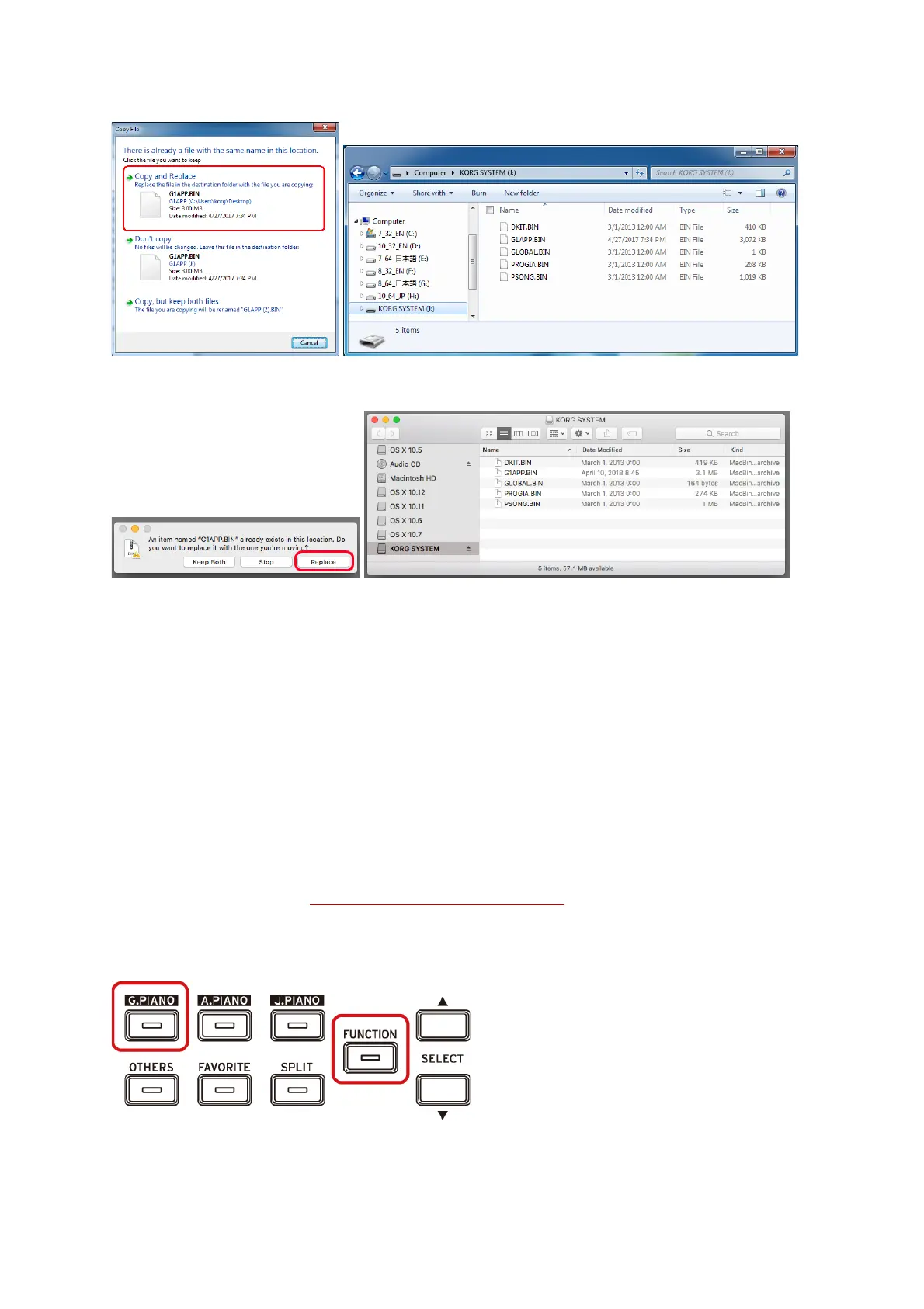
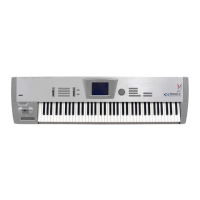
[Windows]
[Mac]
5. When you have completed the data transfer, remove the USB drive from the computer
desktop.
6. To exit USB storage mode, press the lit Play / Pause button to turn off the G1/G1 Air.
■ System Firmware Version Check
1. While holding down the FUNCTION and G.PIANO buttons ,
press the power button to turn on the G1/G1 Air.
“107” appears in the display.
2. Press the power button to turn off the G1/G1 Air.


 To Previous Page