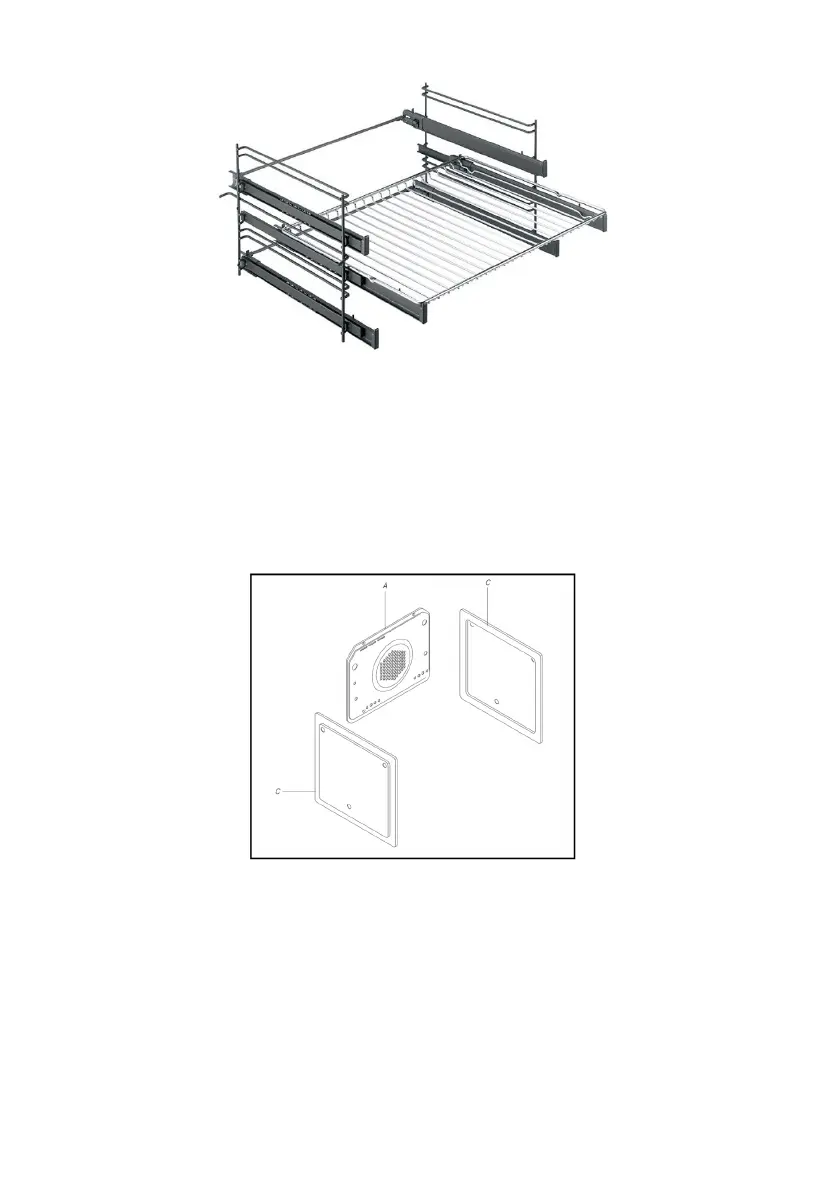
Figure 4.
Self-cleaning panels.
The self-cleaning panels have a special catalytic enamel that makes the cleaning of the oven easier. After
the cooking cycle, wait when the oven has cooled down, and clean the residuals of food, or grease with a
damp cloth.
How to install the self-cleaning panels:
Fix the panel (A) with 4 auto-tapping screws.
Lean the panels (C) against the side of the oven and refasten the guides which were taken away before.
Replace the accessories into the oven.
See figure 5 below.
Figure 5.
HOW TO USE THE TURNSPIT (where provided)
Meat has to be inserted onto the skewers and blocked by two clamps.
Slide the food onto the spit rod, securing it in a stable position by means of the clamps, to prevent straining
the motor.
Fit the spit rod into the hole of the spit motor and rest it on the support provided.
Place the collecting plate on the lowest shelf.
Set the selector to the turnspit position to operate the motor.
At the end of cooking, tighten the spit hand grip and take it out of the oven.
See figure 6 below.


 To Next Page