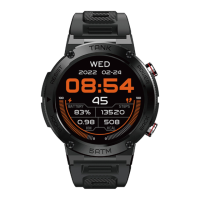
This product supports NANO SIM card, does not support hot swap, before loading SIM
card, please ensure that the phone is turned off.
WARNING: The SIM card slot position is prohibited from dust and water,so as not to
damage the product.
In the standby mode, press the power button to lock the screen.
In the second menu interface, press the power button to return to the previous menu
function.
In standby mode, long press the power button 2s to adjust the multi-function menu.
When the phone crashes or system carton suddenly, long press the power button 8s can
be forced to restart.
In the card state, tap the shortcut key to quickly switch the flight mode.
This product uses a dedicated pogo interface data cable, the data line with magnetic, in
the state of charge, the data line interface is strictly prohibited contact with other metal
products, so as to avoid short circuit risk.
Turn off the power button 3s boot.
You need to manually remove the SIM card back cover on the back of the watch and
insert your SIM card.
Use of SIM card
Power key /lock screen key /return key
Hot key
USB data cable
Hardware instructions
4


 To Next Page