6
RADIO OPERATION
• SELECT BAND
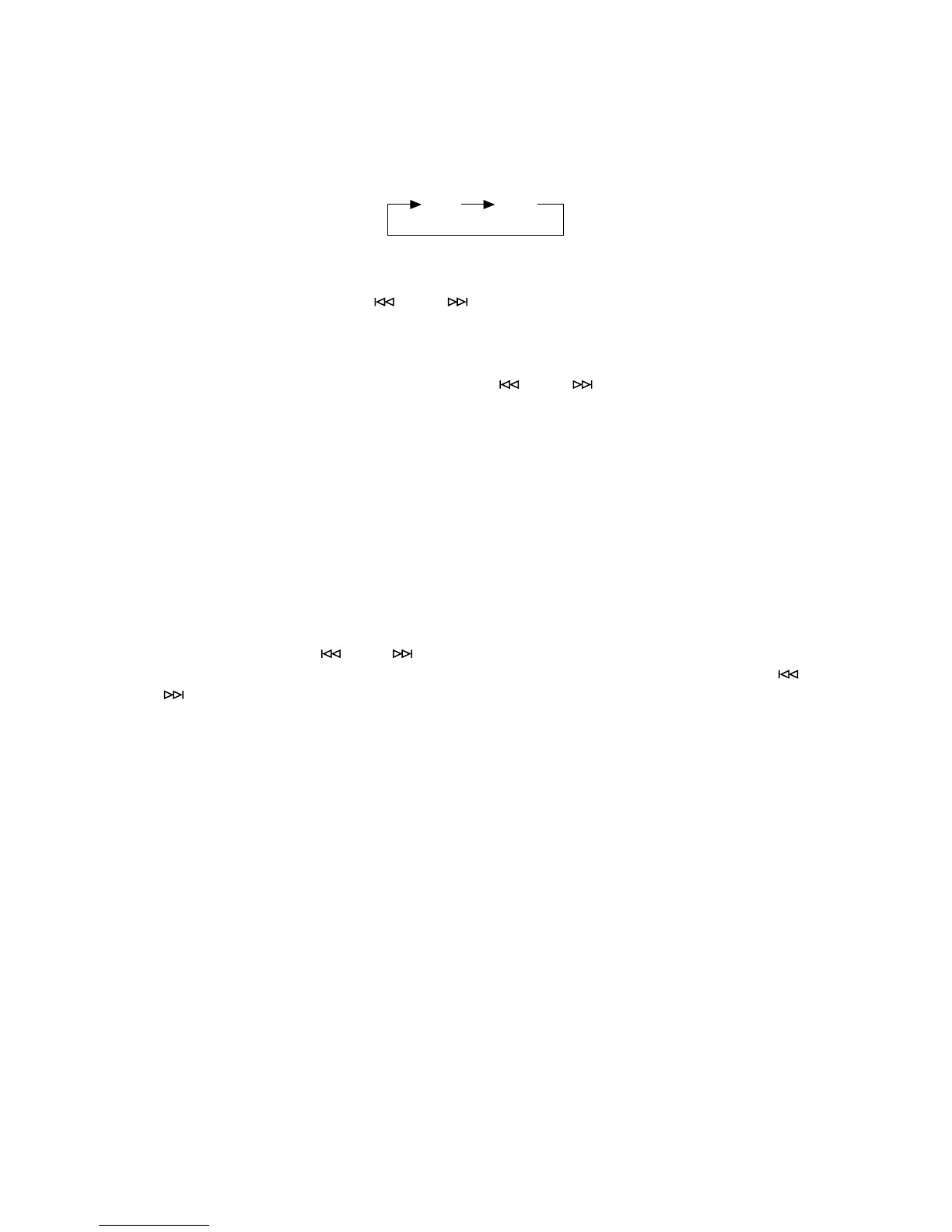
Press BAND button (5) to change bands as below:
• SELECT STATION
Press MANU/SKIP buttons (7) or (6) to tune the frequency downward or
upward by step. Hold it for fast tuning.
• PRESET PROGRAMME MEMORY
In radio mode, press MANU/SKIP buttons (7) or (6) to seek the desired
frequency in the current band, then press MEM button (8) and “MEMORY” is
flashing on the display, and press PSET/RPT button (15) to choose the memory
number and press MEM button (8) again to store up the chosen station.
• CALLING UP THE STORED STATION
In radio mode, press PSET/RPT button (15) to call up the first stored station in
current
band. Repeatedly pressing to call up the stored stations in current band in
turn.
• TIME SETTING
Press DISPLAY button (9) to change the display and the clock is showing on the
display. Press MEM button (8) in clock display and the hour is flashing, press
MANU/SKIP buttons (7) or (6) to adjust the hour. Press MEM button (8) once
more in clock display and the minute is flashing, press MANU/SKIP buttons (7)
or (6) to adjust the minute. Finally press MEM button (8) to store up the setting.
FM AM



 To Next Page