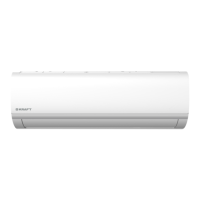
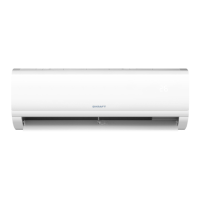
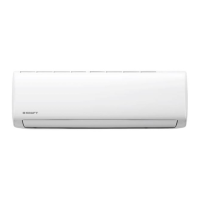
SPLIT-TYPE ROOM AIR CONDITIONER
USER GUIDE
27
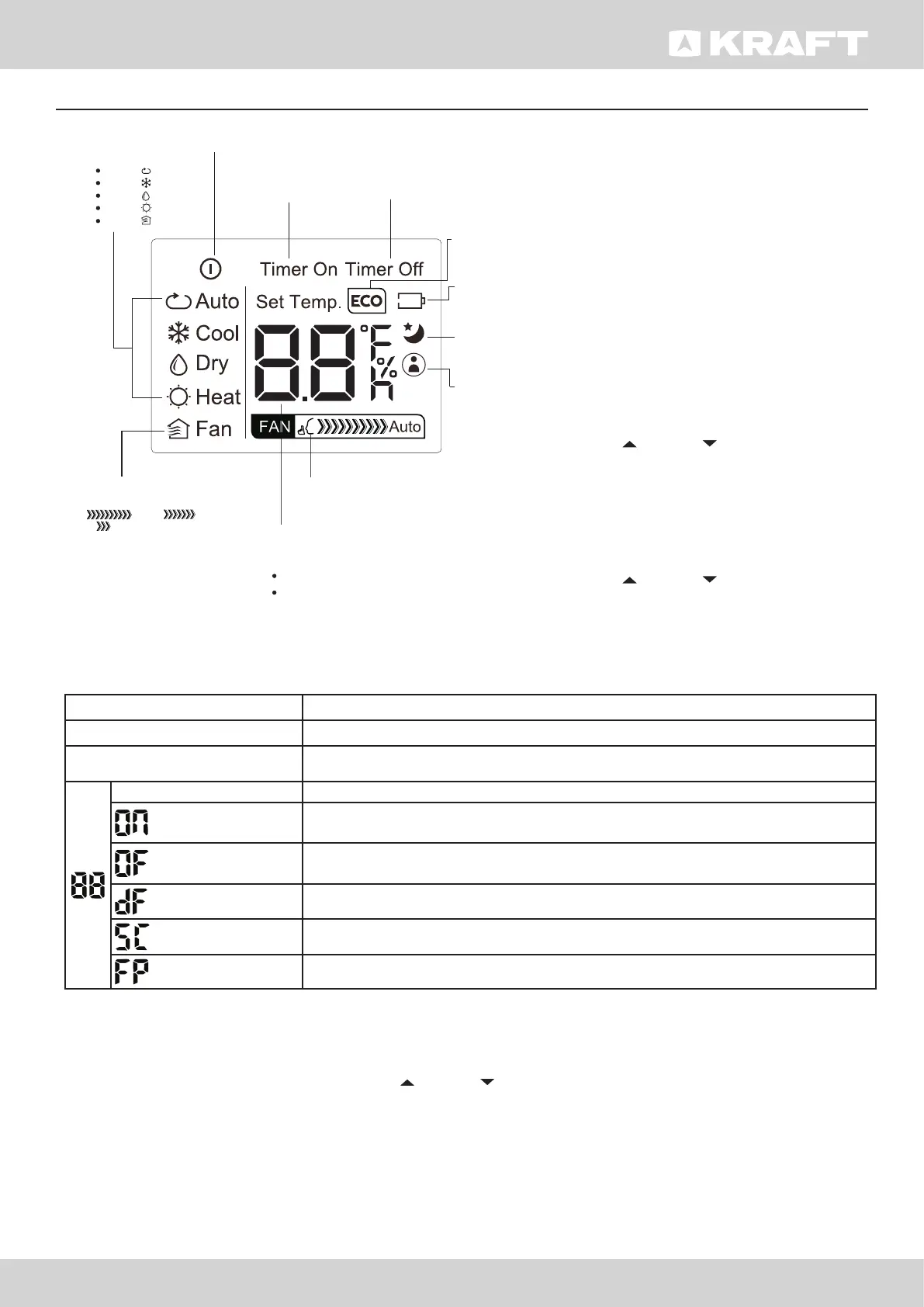
Display Purpose
Defrost defrosting
Timer The indicator lights up when the timer is set
Temperature value Temperature
(3s)
Activation of timer operation mode, fresh air supply, automatic movement of
blinds, Turbo mode or low-noise mode
(3s)
Cancellation of timer operation, fresh air supply, automatic movement of blinds,
Turbo mode or low-noise mode
when defrosting(cooling & heating units)
self-cleaning
when 8 C heating feature is turned on
MODE display
Displays the current
mode, including:
AUTO
COOL
DRY
HEAT
FAN
ON/OFF display
Appears when the unit is turned on,
and disappears when it is turned off
TIMER ON display
Displays when TIMER
ON is set
TIMER OFF display
Displays when TIMER
OFF is set
SLEEP display
Battery display
SILENT display
ECO display
Displays when
SLEEP function
is activated
FOLLOW ME
display
Indicates that
the FOLLOW ME
function is on
FAN SPEED display
Displays selected FAN SPEED:
HIGH, MED,
or LOW
This display is blank when
set to AUTO speed or DRY mode.
Temperature/Timer display
Displays the set temperature by default, or timer setting
when using TIMER ON/OFF functions
o
Temperature range: 17-30 C
Timer setting range: 0-24 hours
This display is blank when operating in FAN mode.
Displays when silence function
is activated.
Not available for
this unit
Low battery
detection
DRY OPERATION DEHUMIDIFYING
1. Press the MODE button to select DRY mode.
2. Set your desired temperature using the Temp or Temp button.
3. Press the ON/OFF button to start the unit.
Note! FAN SPEED can’t be changed in DRY mode.
FAN OPERATION
1. Press the MODE button to select FAN mode.
2. Press FAN button to select the fan speed: AUTO, LOW, MED or HIGH.
SETTING TEMPERATURE
The operating temperature range for units
is 17-30°C. You can increase or decrease the
set temperature in 1°C increments. Your
air conditioning unit comes with two AAA
batteries. Put the batteries in the remote
control before use.
AUTO OPERATION
In AUTO mode, the unit will automatically
select the COOL, FAN, HEAT or DRY mode
based on the set temperature.
1. Press the MODE button to select Auto
mode.
2. Set your desired temperature using the
Temp or Temp button.
3. Press the ON/OFF button to start the unit.
COOL OPERATION
1. Press the MODE button to select COOL
mode.
2. Set your desired temperature using the
Temp or Temp button.
3. Press the FAN button to select the fan
speed: AUTO, LOW, MED, or HIGH.
4. Press the ON/OFF button to start the unit.


 To Next Page
 Loading...