EasyManua.ls Logo

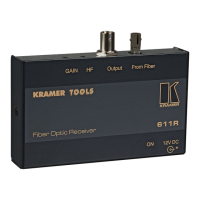
Kramer 611R - User Manual

Kramer 611R
13 pages
Print Icon
To Next Page IconTo Next Page
Loading...

KRAMER ELECTRONICS, Ltd.
USER MANUAL
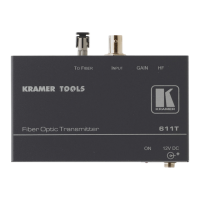
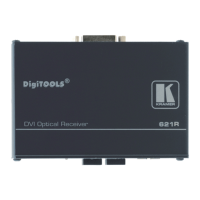
Fiber Optic Transmitter-Receiver
Models:
611T
611R
IMPORTANT: Before proceeding, please read paragraph entitled
"Unpacking and Contents"

Questions and Answers

  • M
    Mrs. Alexandra RiceAug 8, 2025
    Why is the signal level too high or too dim on my Kramer 611R Receiver?
    • R
      Richard DavisAug 9, 2025
      A video signal that isn't well matched through 75ohm impedance can cause the signal level to be too high or too dim. Verify that the video signal is well matched through 75ohm impedance. Also, confirm you're using the right optic fiber cable for the system and are within the recommended operating range. Sharp bends or loops in the optic fiber can also deteriorate the signal. Ensure there are no sharp bends or breaks along the optic fiber. Finally, confirm that the video connecting cables are high quality, properly built, and terminated with 75ohm BNC connectors. Check the level controls on your source input device, output display, or recorder.
  • T
    Teresa CruzAug 25, 2025
    What to do if there is no signal at the output device of my Kramer 611R Receiver?
    • D
      David LopezAug 25, 2025
      First, confirm that your sources and output device are powered on and connected properly. Second, make sure that any other devices in the signal path have the proper input and/or output selected. Also, confirm that the distance used in your system isn't larger than the recommended distance for this optic fiber system. If the issue persists, use a Video Tester to test the video path leading to/from your transmitter/receiver.

Kramer 611R Specifications

General IconGeneral
BrandKramer
Model611R
CategoryReceiver
LanguageEnglish

Related product manuals