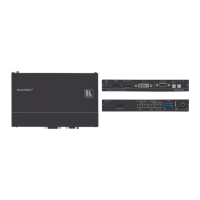
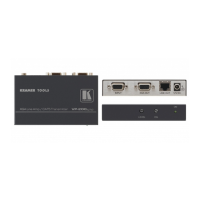
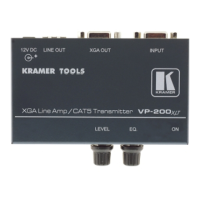
Step 6: Operate TP-121EDID, TP-123EDID, TP-125EDID, PT-110EDID
The transmitter can acquire the EDID information from the connected display or it can acquire the default EDID.
To acquire the display EDID, do the following:
1. Using a short cable, connect the XGA INPUT 15-pin HD connector of the transmitter to the XGA input connector of the
display.
Pins 12 and 15 of the VGA connector carry the EDID signal.
The cable used for capturing the EDID must pass all 15 pins.
2. Connect the display power.
3. On the transmitter, connect the 12V DC power adapter to the power socket and connect the adapter to the mains
electricity.
4. Press the EDID CAPTURE button.
5. Once the EDID STATUS flashes slowly several times, the EDID is captured.
6. Disconnect the display.
To acquire the default EDID:
Do not connect the transmitter to the display when acquiring the default EDID.
1. On the transmitter, connect the 12V DC power adapter to the power socket and connect the adapter to the mains
electricity.
2. Press the EDID CAPTURE button.
3. Once the EDID STATUS flashes rapidly several times, the default EDID is captured.
Alternatively, you can press the EDID CAPTURE button after connecting the transmitter-receiver system. When the EDID
STATUS LED flashes rapidly several times, the default EDID information is acquired.



 To Previous Page