Contents
1 Introduction 1
2 Getting Started 1
2.1 Quick Start 2
3 Overview 3
3.1 About HDMI 4
3.2 Defining EDID 5
3.3 Recommendations for Best Performance 5
4 Your VM-28H / VM-216H 5
4.1 Using the IR Transmitter 9
5 Installing on a Rack 10
6 Using the VM-28H / VM-216H 11
6.1 Connecting the VM-28H / VM-216H 11
6.1.1 Connecting the VM-28H 2 Input 1:8 HDMI Distributor 12
6.1.2 Connecting the VM-216H 2 Input 1:16 HDMI Distributor 13
6.2 Controlling via RS-232 (for example, using a PC) 14
6.3 Operating the VM-28H / VM-216H 14
6.4 Using the EDID Button 15
6.4.1 Acquiring / Changing the EDID from one Output 15
6.4.2 Acquiring the Default EDID 16
6.4.3 Acquiring the EDID from several Outputs 16
7 Technical Specifications 17
8 Communication Protocol 18
Figures
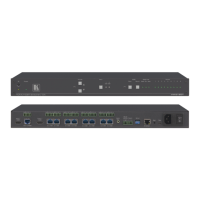
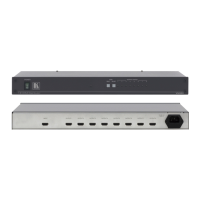
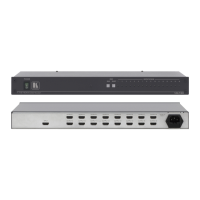
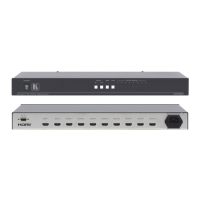
Figure 1: VM-28H 2 Input 1:8 HDMI Distributor 6
Figure 2: VM-216H 2 Input 1:16 HDMI Distributor 7
Figure 3: Connecting a VM-28H 2 Input 1:8 HDMI Distributor 12
Figure 4: Connecting a VM-216H 2 Input 1:16 HDMI Distributor 13
Figure 5: Connecting a PC without using a Null-modem Adapter 14
Tables
Table 1: VM-28H / VM-216H Features 8
Table 2: The EDID Modes 15
Table 3: VM-28H / VM-216H Technical Specifications 17
Table 4: Protocol Definitions 18
Table 5: Instruction Codes for Protocol 2000 19


 To Next Page